
Run the production and cost reports
See what you produced, what each order cost, which components were used, and how busy each work center was.
Where to find it
ManufacturingReporting
Steps
- Open Manufacturing, point at Reporting and choose Production. The tiles show the Orders finished, the quantity Produced and the Total Cost.
- Every finished order is a row, with its Component cost, Operation cost, Total and Unit cost.
- Use From and To to look at one period, then click Apply.
- Choose Reporting > Cost Analysis. It groups the same production by product and shows the average unit cost.
- Choose Reporting > Component Consumption to see how much of each component was used, and its value.
- Click Export to save any report as a file.
Note
Work Center Load compares planned and actual minutes per work center. It stays empty until orders have timed operations, which come from a bill of materials with operations.
What happens next
Set the hourly costs the reports use: work centers.
Was this lesson helpful?
Thank you for the feedback.
Keep learning
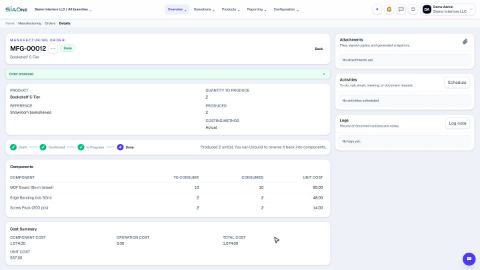
Create and complete a manufacturing order
Make finished goods from components - the order uses up the parts, adds the product to stock and works out its cost.
Sign in to SiaOne
Open your company's SiaOne address, sign in with your email and password, and find where to log out.
Find your way around
The home screen, the app menu bar, breadcrumbs, lists and record pages - the five things every SiaOne screen is built from.
 1:37
1:37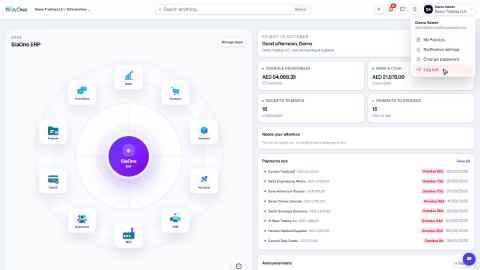 1:28
1:28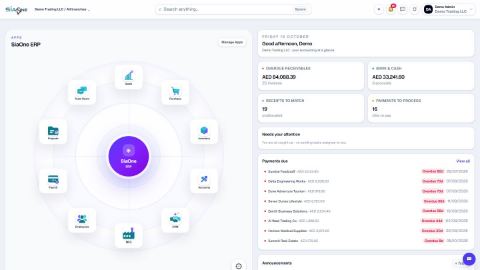 1:41
1:41