
See who reports to whom (org chart)
See who reports to whom, open anyone's record from the chart, and change a reporting line.
Where to find it
EmployeesEmployeesOrg Chart
How the chart is built
There is nothing to draw. The chart is built from the Manager field on each employee's record. A person with no manager sits at the top.
Steps
- Open Employees, point at the Employees menu and choose Org Chart.
- The person at the top has no manager. The number on their card shows how many people sit below them.
- Each card shows the job title and the department. Click a person to open their record.
- To change the reporting line, choose a different Manager on the record.
- Click Save.
- Open Org Chart again. The person now sits under the new manager.
Tip
Keep the Manager field up to date when someone moves teams, so the chart always matches the real reporting lines.
What happens next
Keep the lists that people are placed in up to date: departments, designations and employment types.
Was this lesson helpful?
Thank you for the feedback.
Keep learning
Add an employee
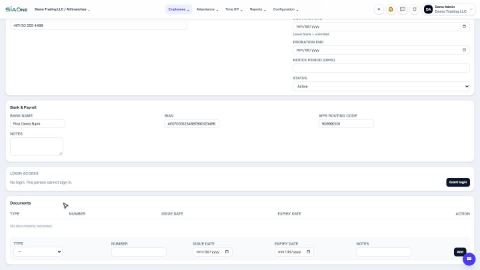
Create the record for a new team member - personal details, job, manager, bank account and joining date.
Track visa, Emirates ID and other document renewals
See which employee documents are about to expire or have expired, and record the renewed one.
Sign in to SiaOne
Open your company's SiaOne address, sign in with your email and password, and find where to log out.
 1:46
1:46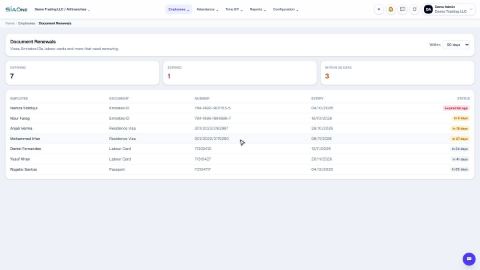 1:39
1:39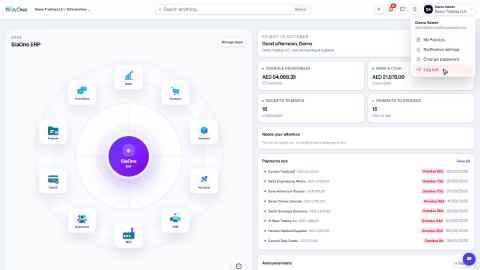 1:28
1:28