
Track visa, Emirates ID and other document renewals
See which employee documents are about to expire or have expired, and record the renewed one.
Where to find it
EmployeesEmployeesDocument Renewals
Before you start
Each employee's documents are listed on their record, under Documents. The renewals page only shows what you have entered there, so record the Expiry Date of every visa, Emirates ID, labour card and passport.
Steps
- Open Employees, point at the Employees menu and choose Document Renewals.
- The tiles show how many documents are expiring, how many have Expired, and how many fall Within 30 days. In the list, a red label means the document has already expired.
- Use Within to look further ahead (30, 60, 90 or 180 days) or to focus on what is urgent.
- Click the person to open their record.
- Scroll down to Documents. Choose the Type, type the Number, set the Issue Date and Expiry Date, then click Add.
- Click the red cross at the end of the old document row and confirm. The old document is removed.
- Open Document Renewals again. The person is no longer on the list.
Tip
You do not have to open the renewals page to be reminded: the Employees list shows a yellow Document renewals box at the top while anything is due.
Note
A renewed document is a new entry, not a change to the old one. Add the new document first, then remove the old one, so the record is never without it.
What happens next
See where everyone sits in the company: org chart.
Was this lesson helpful?
Thank you for the feedback.
Keep learning
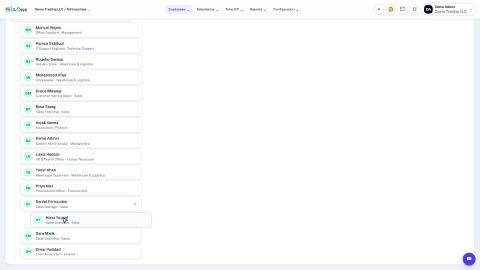
See who reports to whom (org chart)
See who reports to whom, open anyone's record from the chart, and change a reporting line.
Sign in to SiaOne
Open your company's SiaOne address, sign in with your email and password, and find where to log out.
Find your way around
The home screen, the app menu bar, breadcrumbs, lists and record pages - the five things every SiaOne screen is built from.
 1:11
1:11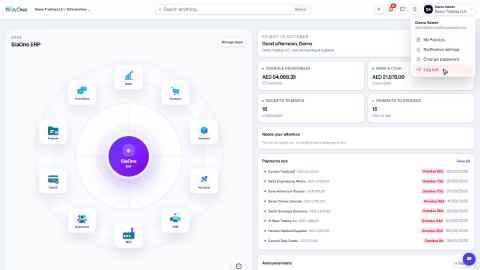 1:28
1:28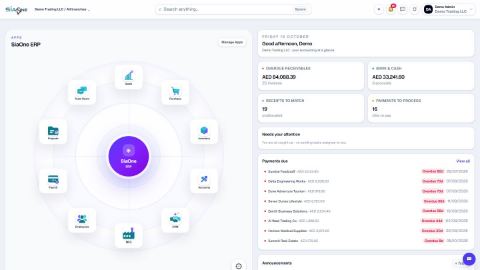 1:41
1:41