
Set up departments, designations and employment types
Keep the three lists that employee records choose from - departments, job titles (designations) and employment types.
Where to find it
EmployeesConfigurationDepartments, Designations & Types
Before you start
These lists feed the Department, Job Title and Employment Type fields on every employee record. Add a name here once and it is available when you add an employee.
Steps
- Open Employees, point at Configuration and choose Departments, Designations & Types.
- Under Departments, type a Code and a Name, then click Add.
- Under Designations (job titles), type a Name and click Add.
- Under Employment Types (Full-time, Part-time, Contract and so on), type a Name and click Add.
- To remove an entry you no longer use, click the red cross next to it and confirm.
What happens next
Put people into their departments and see the reporting lines in the org chart.
Was this lesson helpful?
Thank you for the feedback.
Keep learning
Add an employee
Create the record for a new team member - personal details, job, manager, bank account and joining date.
Sign in to SiaOne
Open your company's SiaOne address, sign in with your email and password, and find where to log out.
Find your way around
The home screen, the app menu bar, breadcrumbs, lists and record pages - the five things every SiaOne screen is built from.
 1:46
1:46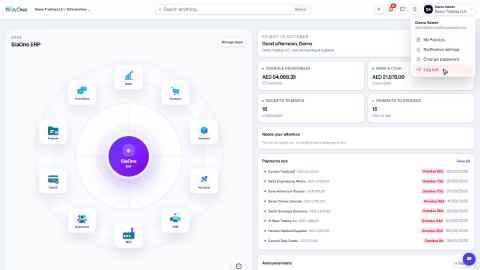 1:28
1:28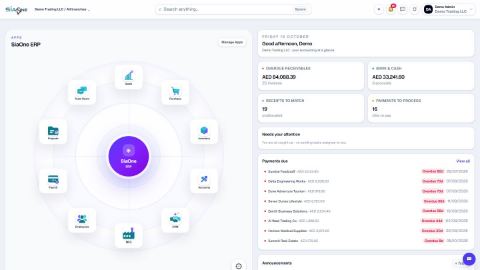 1:41
1:41