
See what a project earned (project profitability)
See what each project earns, what it costs in staff time, and what is still waiting to be invoiced.
Where to find it
ProjectsReportsProfitability
Steps
- Open Projects, point at Reports and choose Profitability.
- The tiles at the top add up every project: Hours Logged, Revenue, Cost, Margin and To Invoice.
- Each row is one project. Revenue comes from posted invoices that are tagged to the project (milestones, time, contracts and manual invoices, less credit notes).
- Time Cost is the logged hours times the cost rate. Other Costs are expenses tagged to the project, such as cash purchases.
- To Invoice is finished work that has not been billed yet: reached milestones and billable time. Once you invoice it, the revenue and the margin go up.
Tip
A negative Margin early in a project is normal. It means time has been spent but nothing is invoiced yet. Check To Invoice before you worry.
What happens next
Bill the time from the project itself, using Bill Time under Time & Materials.
Was this lesson helpful?
Thank you for the feedback.
Keep learning
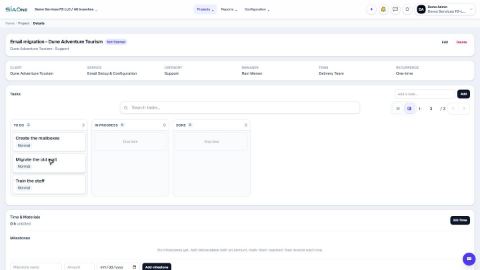
Create a project and add tasks
Start a client project, then break the work into tasks you can assign and track.
Log timesheets
Record the hours worked on a task so you can bill the client and see what the job really costs.
Sign in to SiaOne
Open your company's SiaOne address, sign in with your email and password, and find where to log out.
 1:18
1:18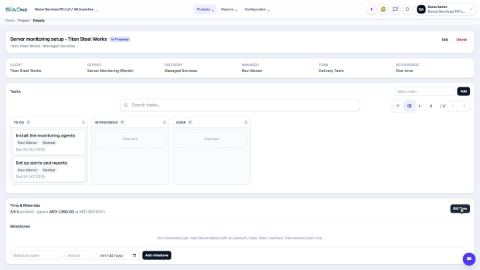 0:59
0:59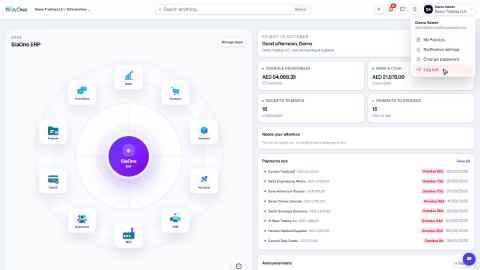 1:28
1:28