
Set up project and task stages
Choose the columns your project board and your task boards use, and which column means finished.
Where to find it
ProjectsConfigurationProject Stages; Task Stages
Steps
- Open Projects. The board has one column for each project stage.
- Point at Configuration and choose Project Stages.
- Type a stage name, for example "On Hold". Tick Done column if the stage means the project is finished. Click Add.
- Use the arrows (↑ and ↓) to move a stage up or down. The board follows this order.
- Click Delete to remove a stage you no longer use.
- Choose Configuration > Task Stages for the columns inside each project. They work the same way.
Note
The stage marked Done closes the project or task. A project that has logged timesheets cannot be deleted, so move it to the Done stage instead.
What happens next
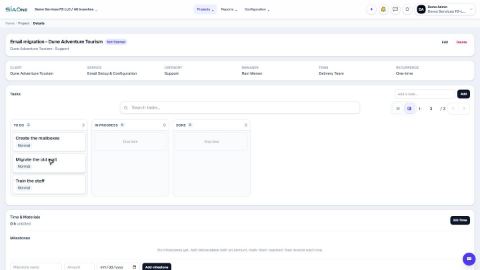
Put the stages to work: create a project and add tasks.
Was this lesson helpful?
Thank you for the feedback.
Keep learning
Create a project and add tasks
Start a client project, then break the work into tasks you can assign and track.
Sign in to SiaOne
Open your company's SiaOne address, sign in with your email and password, and find where to log out.
Find your way around
The home screen, the app menu bar, breadcrumbs, lists and record pages - the five things every SiaOne screen is built from.
 1:18
1:18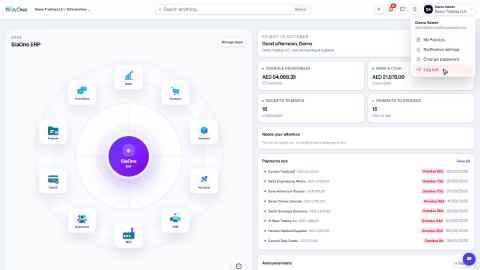 1:28
1:28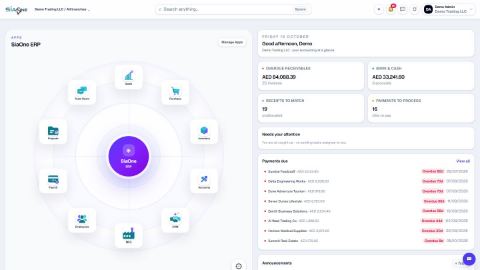 1:41
1:41