
Overview
Projects is for work you do for a client over time. Each project has a client, a manager, a team and a deadline. You break it into tasks, log the hours people spend, and bill the time or the milestones. Profitability shows what each project earns against what it costs.
Project → Tasks → Timesheets → Bill time or milestones → Profitability
| Feature | Where | What it is |
|---|---|---|
| Project board | Projects › Projects | Every project as a card in a column for its stage, or as a list. |
| New project | Projects › New Project | Start a project: client, service, manager, team and dates. |
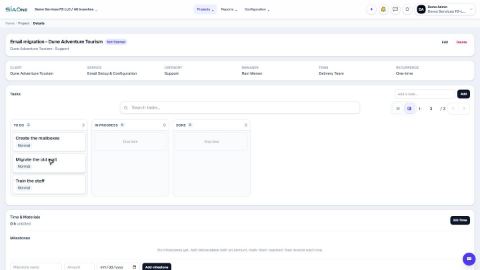
| Tasks | Inside a project | A board of tasks with assignee, priority and deadline. |
| Timesheets | Inside a task | Hours worked, by person and day, billable or not. |
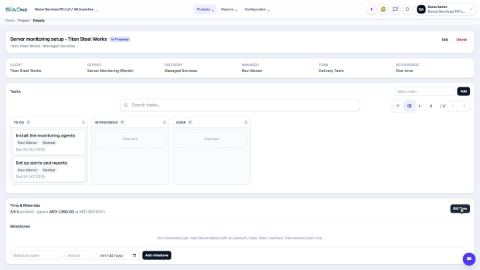
| Time & Materials | Inside a project | Unbilled hours and their value, with a Bill Time button. |
| Milestones | Inside a project | Amounts you bill when a stage of the work is reached. |
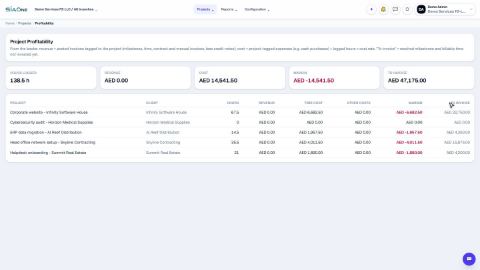
| Profitability | Projects › Reports › Profitability | Hours, revenue, cost, margin and amount to invoice for every project. |
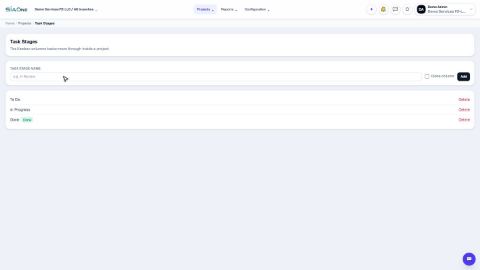
| Project Stages, Task Stages | Projects › Configuration | The columns of the project board and of the task boards. |
| Teams | Projects › Configuration › Teams | Groups of employees who deliver the work. |
| Service Rules | Projects › Configuration › Service Rules | What a confirmed sales order creates for each service: a project, a task, or nothing. |
Tasks in Projects
Projects and tasks
 1:18
1:18Time and billing
 0:59
0:59Configuration
 0:46
0:46Reports
 0:40
0:40Coming soon
These lessons are being written and recorded.
- Create projects automatically from a sales order
- Bill time and materials
- Bill a milestone