
Log timesheets
Record the hours worked on a task so you can bill the client and see what the job really costs.
Where to find it
ProjectsProjects(open a project)(open a task)Timesheets
Steps
- Open Projects and click the project.
- Click the task you worked on.
- Scroll down to Timesheets. Enter the Hours (for example 3.5) and the Date.
- Pick the Employee and add a short Description.
- Keep Billable ticked if the client pays for this time, then click Log. The entry joins the list and the total at the top of the section goes up.
- Go back to the project. Time & Materials shows the unbilled hours and their value at the project's hourly rate. The Bill Time button turns them into an invoice.
Tip
Untick Billable for internal time, such as training or rework. It still counts as cost in project profitability, but it is not invoiced.
Note
A wrong entry can be removed with Delete on its row in the task's timesheet list.
What happens next
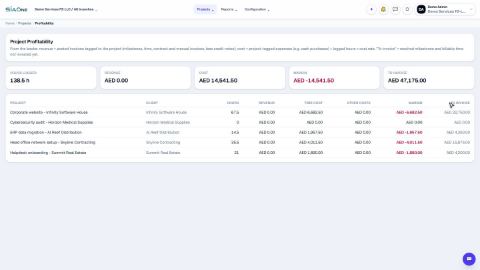
See whether the project makes money: project profitability.
Was this lesson helpful?
Thank you for the feedback.
Keep learning
See what a project earned (project profitability)
See what each project earns, what it costs in staff time, and what is still waiting to be invoiced.
Sign in to SiaOne
Open your company's SiaOne address, sign in with your email and password, and find where to log out.
Find your way around
The home screen, the app menu bar, breadcrumbs, lists and record pages - the five things every SiaOne screen is built from.
 0:40
0:40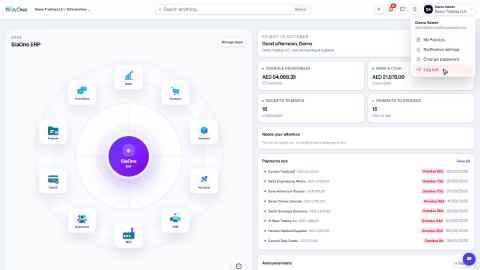 1:28
1:28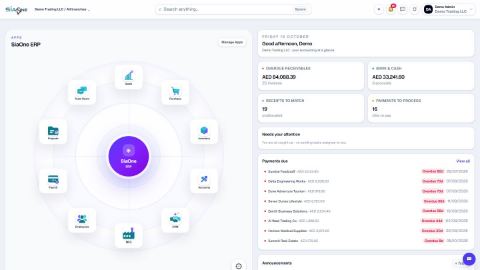 1:41
1:41