
Add a lead
Write down a new enquiry - who is asking, what they want and roughly how much it is worth - so it can be followed up.
Where to find it
CRMLeadsAll Leads
Before you start
A lead is an enquiry nobody has qualified yet. If the person is already a customer, you can pick them in the Customer field. If not, just type their company name - you do not need to create a customer first.
Steps
- Open CRM, point at Leads and choose All Leads.
- Click New Lead.
- Type a Lead title that says what the customer wants, for example "Office chairs for new sales floor".
- Fill in who is asking: Company name, Email and Phone.
- Add the deal details: Expected revenue, Expected close date, Priority, Salesperson and Source (where the enquiry came from).
- Click Save. The new lead appears at the top of the list.
Tip
Leave Salesperson as Unassigned if you do not know who will handle it. Anyone can find it later under Leads > Unassigned.
Note
A lead is not part of the pipeline yet, so it does not count in the pipeline value. It does once you convert it.
What happens next
When the enquiry looks real, convert the lead to an opportunity.
Was this lesson helpful?
Thank you for the feedback.
Keep learning
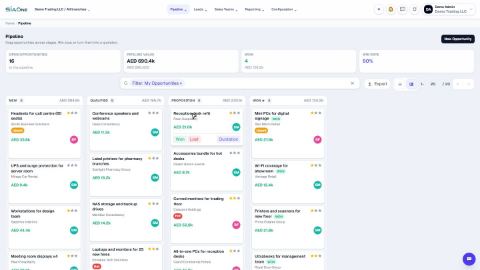
Move an opportunity through the pipeline
Drag a card to the next stage, or use the stage buttons on the opportunity, so the pipeline always shows where each deal stands.
Mark an opportunity won or lost
Close a deal as won, or record why it was lost so you can learn from it.
Create a quotation from an opportunity
Turn a deal in the pipeline into a draft quotation with one click, with the customer and the amount already filled in.
 1:01
1:01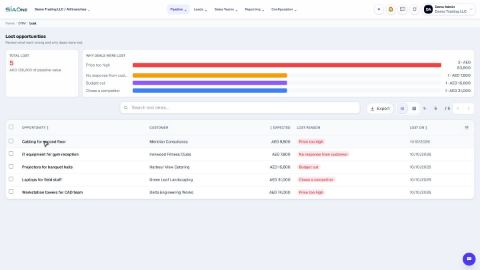 1:02
1:02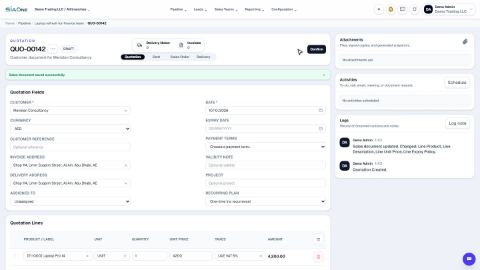 0:58
0:58