
Create a quotation from an opportunity
Turn a deal in the pipeline into a draft quotation with one click, with the customer and the amount already filled in.
Where to find it
CRMPipeline
Before you start
The opportunity needs a Customer (a customer record, not only a company name). If it has none, SiaOne says "Assign a customer to this opportunity before creating a quotation".
Steps
- Open CRM and click the opportunity.
- Check that a Customer is chosen.
- Click Create Quotation.
- A draft quotation opens, with the customer and one line for the expected revenue.
- Change that line to the real product: type a few letters in Product / Label and pick it. The price and tax come from the product.
- Click Save. The quotation stays in Draft until you confirm it.
Note
The Create Quotation button is on open opportunities. Once a deal is marked won or lost, only Reopen is offered, so create the quotation while the deal is still open.
Tip
You can also click Quotation on the card in the pipeline, without opening the opportunity first.
What happens next
When the customer accepts, confirm the quotation into a sales order.
Was this lesson helpful?
Thank you for the feedback.
Keep learning
Add a lead
Write down a new enquiry - who is asking, what they want and roughly how much it is worth - so it can be followed up.
Convert a lead to an opportunity
Move a promising lead from the inbox into the pipeline and fill in the details of the deal.
Move an opportunity through the pipeline
Drag a card to the next stage, or use the stage buttons on the opportunity, so the pipeline always shows where each deal stands.
 1:04
1:04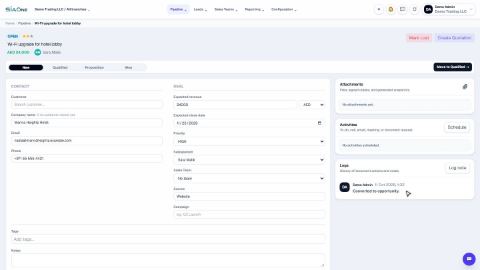 1:06
1:06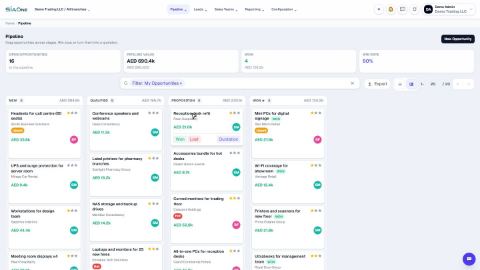 1:01
1:01