
Convert a lead to an opportunity
Move a promising lead from the inbox into the pipeline and fill in the details of the deal.
Where to find it
CRMLeadsAll Leads
Steps
- Open CRM, point at Leads and choose All Leads.
- Find the lead. Type a few letters in the search box and press Enter.
- Click Convert at the end of the lead's row. The pipeline opens.
- The lead is now an opportunity in the New column. Click its card to open it.
- Fill in the deal: Expected revenue, Expected close date and the Salesperson.
- Click Save. The history on the right says "Converted to opportunity".
Note
Convert does not ask for confirmation. If you convert by mistake, the opportunity is simply a deal in the New column - you can still change or delete it.
What happens next
Move the deal forward as it progresses: move an opportunity through the pipeline.
Was this lesson helpful?
Thank you for the feedback.
Keep learning
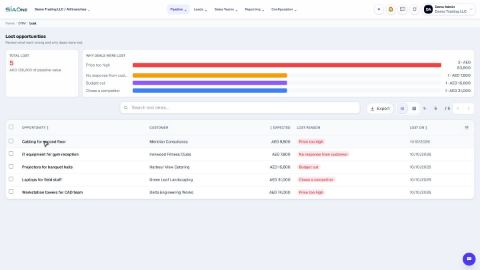
Mark an opportunity won or lost
Close a deal as won, or record why it was lost so you can learn from it.
Create a quotation from an opportunity
Turn a deal in the pipeline into a draft quotation with one click, with the customer and the amount already filled in.
Set up pipeline stages, lead sources and lost reasons
Adjust the lists CRM uses - the columns of the pipeline, where leads come from, and the reasons for losing a deal.
 1:02
1:02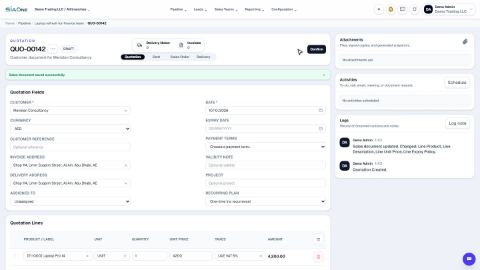 0:58
0:58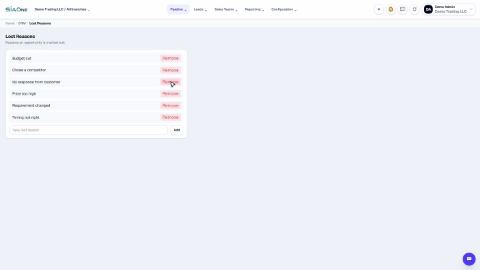 1:04
1:04