
Set up pipeline stages, lead sources and lost reasons
Adjust the lists CRM uses - the columns of the pipeline, where leads come from, and the reasons for losing a deal.
Where to find it
CRMConfiguration
Steps
- Open CRM, point at Configuration and choose Pipeline Stages.
- Each row is a column of the pipeline. Change the Order number to move a stage, or edit its name. Tick Won stage on the stage that counts a deal as won. To add a stage, type its name at the bottom and click Add.
- Choose Configuration > Lead Sources. Type a new source, for example "Newsletter", and click Add. It now shows in the Source list when you add a lead.
- Click Remove next to a source you no longer use.
- Choose Configuration > Lost Reasons. Type a new reason and click Add. It is offered the next time someone clicks Mark Lost. Use Remove to take a reason out of the list.
Note
These lists are shared by everyone who uses CRM in the company, so only managers can change them.
What happens next
See which reasons come up most under CRM > Reporting > Lost Analysis.
Was this lesson helpful?
Thank you for the feedback.
Keep learning
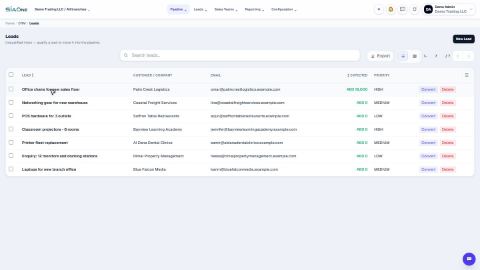
Add a lead
Write down a new enquiry - who is asking, what they want and roughly how much it is worth - so it can be followed up.
Convert a lead to an opportunity
Move a promising lead from the inbox into the pipeline and fill in the details of the deal.
Move an opportunity through the pipeline
Drag a card to the next stage, or use the stage buttons on the opportunity, so the pipeline always shows where each deal stands.
 1:04
1:04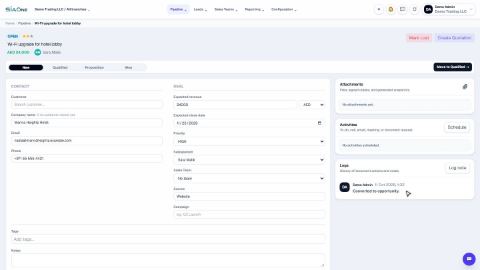 1:06
1:06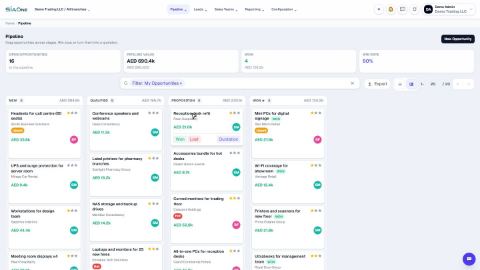 1:01
1:01