
Record a loan or salary advance
Lend an employee money and let payroll take it back in monthly instalments, automatically.
Where to find it
PayrollLoans & Advances
Steps
- Open Payroll, point at Loans & Advances and choose Loans & Advances.
- Click New Loan.
- Type a few letters of the employee's name and pick the person.
- Enter a Reference, the Principal (the amount lent), the Monthly Installment and the Start Date.
- Click Add loan.
- The loan appears in the list with what is Paid and what is Remaining. Each payroll run deducts one instalment from the employee's payslip.
Note
Click Close to end a loan early, for example when the employee repays it in full. Delete only works before the first instalment has been taken from a payslip.
Tip
The deduction shows on the payslip as a line named after the loan reference, for example "Loan: ADV-2026-010".
What happens next
See the instalment on the next payslip: run payroll for the month.
Was this lesson helpful?
Thank you for the feedback.
Keep learning
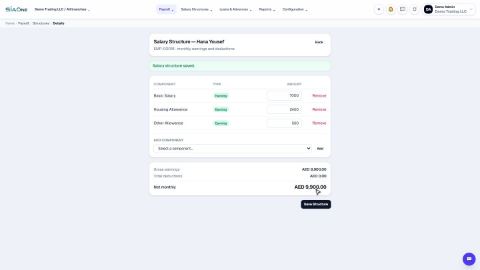
Set up salary components and salary structures
Define the earnings and deductions that appear on a payslip, then set each employee's fixed monthly pay.
Run payroll for the month
Generate the payslips for a month, check them, and move the run from Draft to Confirmed to Paid.
Calculate end-of-service gratuity
See how much end-of-service gratuity the company owes each employee, on today's date or any date you choose.
 1:09
1:09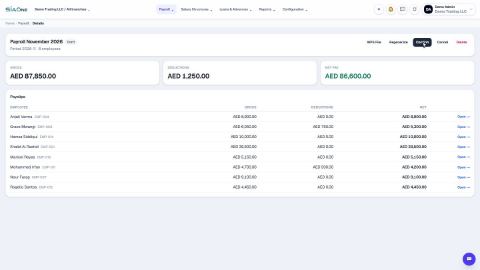 0:46
0:46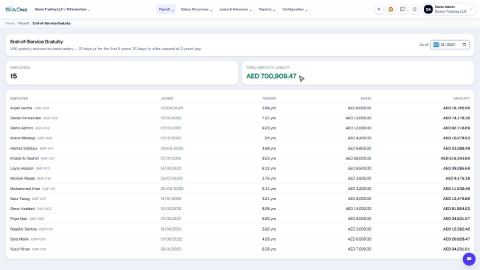 0:34
0:34