
Adjust and print payslips
Add an overtime line or change an amount on a draft payslip, then download it as a PDF to print or email.
Where to find it
PayrollPayroll Runs
Steps
- Open Payroll and click the draft payroll run.
- Click Open next to the employee whose payslip you want to adjust.
- Click Edit. Only a draft payslip can be edited.
- Click + Add under Earnings (or Deductions). Type the line name and the amount, for example "Overtime" and 450.
- Click Save. The Gross and Net Pay update.
- Click PDF. The payslip downloads as a PDF file, ready to print or send to the employee.
Tip
To change an existing line, edit its amount and click Save. Use Remove to delete a line.
What happens next
When all the payslips are right, confirm the run.
Was this lesson helpful?
Thank you for the feedback.
Keep learning
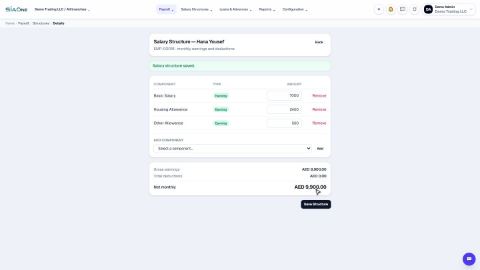
Set up salary components and salary structures
Define the earnings and deductions that appear on a payslip, then set each employee's fixed monthly pay.
Record a loan or salary advance
Lend an employee money and let payroll take it back in monthly instalments, automatically.
Download the WPS file (SIF) for the bank
Enter your employer details once, then download the Wage Protection System (SIF) file that your bank or exchange house needs to pay salaries.
 1:09
1:09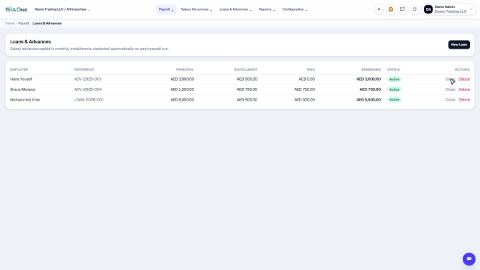 0:53
0:53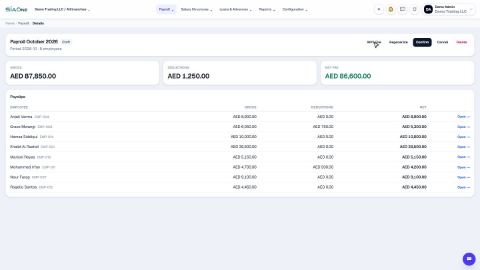 0:46
0:46