
Run payroll for the month
Generate the payslips for a month, check them, and move the run from Draft to Confirmed to Paid.
Where to find it
PayrollPayroll RunsNew Payroll Run
Before you start
Every employee you want to pay needs a salary structure. See Salary components and salary structures.
Steps
- Open Payroll. The list shows every run. A Draft run can still change; a Confirmed run is final. Click New Payroll Run.
- Choose the Payroll Month. The Pay Date and Notes are optional.
- The table shows who will be paid, with gross pay, deductions (such as loan instalments) and net pay.
- Click Generate Payroll.
- The run opens as a Draft. Check the Gross, Deductions and Net Pay tiles and open a payslip to look closer.
- When everything is right, click Confirm. After the salaries are transferred, click Mark Paid.
Important
Confirming a run locks the payslips. Check the draft first. If something is wrong before you confirm, change the payslip or the salary structure and click Regenerate, or Delete the draft and start again.
Note
A confirmed run has Reset to Draft if you need to correct it. A paid run cannot be reset.
What happens next
Adjust one payslip, or print it: adjust and print payslips. To pay by bank transfer, download the WPS file.
Was this lesson helpful?
Thank you for the feedback.
Keep learning
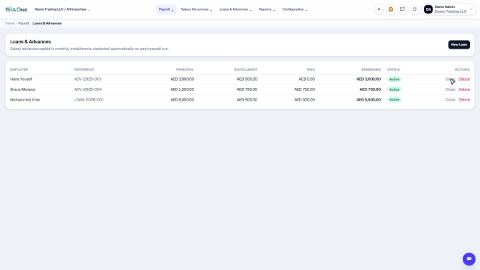
Record a loan or salary advance
Lend an employee money and let payroll take it back in monthly instalments, automatically.
Download the WPS file (SIF) for the bank
Enter your employer details once, then download the Wage Protection System (SIF) file that your bank or exchange house needs to pay salaries.
Calculate end-of-service gratuity
See how much end-of-service gratuity the company owes each employee, on today's date or any date you choose.
 0:53
0:53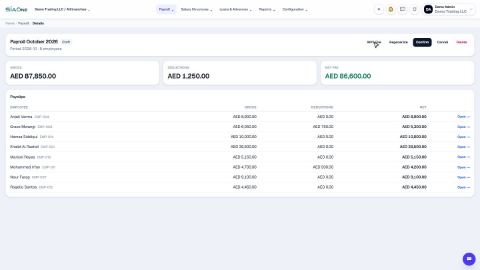 0:46
0:46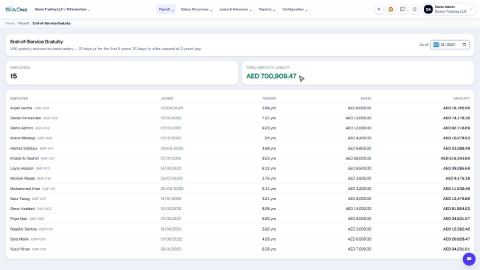 0:34
0:34