
Download the WPS file (SIF) for the bank
Enter your employer details once, then download the Wage Protection System (SIF) file that your bank or exchange house needs to pay salaries.
Where to find it
PayrollConfigurationWPS Settings
Before you start
- Each employee needs a Bank Name, IBAN and WPS Routing Code on their employee record. See Add an employee.
- Have your MOL / MOHRE Establishment ID and the Employer Bank Routing Code of your bank or exchange house ready.
Steps
- Open Payroll, point at Configuration and choose WPS Settings.
- Type your MOL / MOHRE Establishment ID and the Employer Bank Routing Code.
- Click Save. You only do this once.
- Open Payroll and click the payroll run you are paying.
- Click WPS File. The SIF file downloads, ready to upload to your bank.
Important
If you click WPS File before saving the settings, SiaOne asks you to set the Establishment ID and Employer Routing Code first.
Note
The file follows the standard UAE layout. Banks and exchange houses sometimes ask for small variations, so check the format with yours before the first upload.
What happens next
When the bank has paid the salaries, click Mark Paid on the confirmed run. See run payroll for the month.
Was this lesson helpful?
Thank you for the feedback.
Keep learning
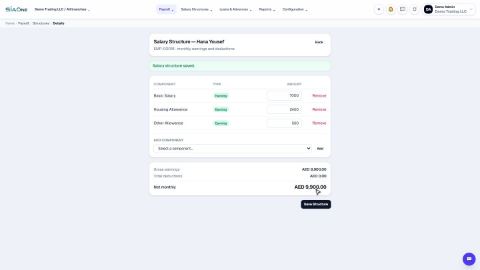
Set up salary components and salary structures
Define the earnings and deductions that appear on a payslip, then set each employee's fixed monthly pay.
Run payroll for the month
Generate the payslips for a month, check them, and move the run from Draft to Confirmed to Paid.
Adjust and print payslips
Add an overtime line or change an amount on a draft payslip, then download it as a PDF to print or email.
 1:09
1:09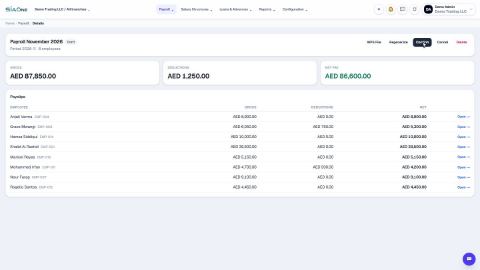 0:46
0:46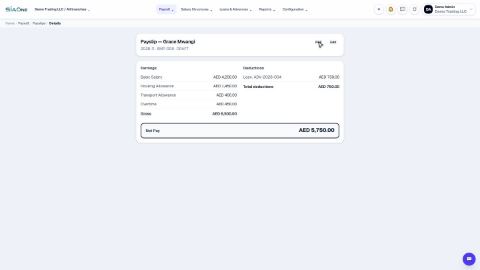 0:49
0:49