
Undo an import
Remove every record that one import created, in a single step, when you imported the wrong file.
Where to find it
SalesCustomersImport boxDelete import
Before you start
Undo works on one import at a time and only removes the records that import created. Records that are already used elsewhere - for example a customer that now has an invoice - are skipped and kept.
Steps
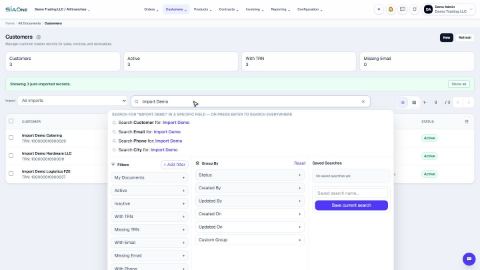
- Open Sales and go to Customers. After an import, the list shows an Import box next to the search bar.
- Open the Import box and choose the import. Each one is named after the file, with the date, the number of rows and who ran it. All imports shows the whole list again.
- The list now shows only the customers that this import created. Check that they are the ones you want to remove.
- Click Delete import.
- SiaOne says how many records the import created and warns that any record still used elsewhere will be skipped. Click Delete import to confirm, or Cancel to stop.
- A message shows how many records were deleted and how many were skipped. Click Done. The customers are gone.
Important
Deleting an import cannot be undone. Posted or in-use records are never force-deleted. To fix just a few customers, edit them in the list instead.
Note
The Import box appears on other lists that can be imported too, such as Vendors, Customer Invoices and Vendor Bills. It works the same way.
What happens next
To bring the corrected file in, see Import customers from Excel.
Was this lesson helpful?
Thank you for the feedback.
Keep learning
Import customers from Excel
Bring a list of customers in from an Excel or CSV file. Download the template, match your columns, check the file and import it.
Sign in to SiaOne
Open your company's SiaOne address, sign in with your email and password, and find where to log out.
Find your way around
The home screen, the app menu bar, breadcrumbs, lists and record pages - the five things every SiaOne screen is built from.
 1:39
1:39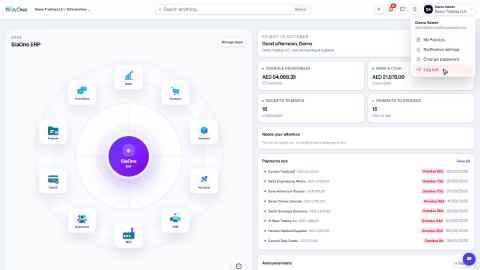 1:28
1:28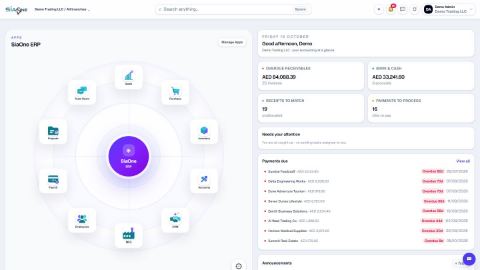 1:41
1:41