
See your own payslips (My Payslips)
Open the user menu to see every payslip that was issued to you, and download any of them as a PDF.
Where to find it
User menuMy Payslips
Before you start
My Payslips shows the payslips of the employee record that is linked to your login. If nobody linked your login to an employee, or you have not been paid through a payroll run yet, the page says You have no payslips yet. Ask the person who manages employees to link your login to your employee record.
Steps
- Click your name at the top right to open the user menu.
- Choose My Payslips.
- Each row is one payslip: the Period, Gross, Deductions and Net pay.
- Click PDF on a row to download that payslip.
Note
You only see your own payslips. A payslip appears here once its payroll run is Confirmed or Paid.
What happens next
Payroll managers can look at and change the payslips of a run: adjust and print payslips.
Was this lesson helpful?
Thank you for the feedback.
Keep learning
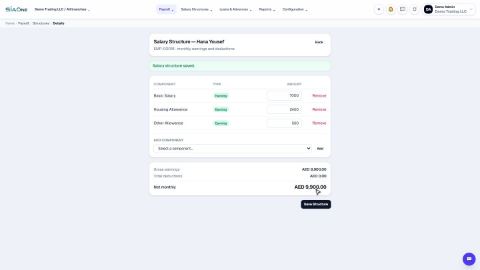
Set up salary components and salary structures
Define the earnings and deductions that appear on a payslip, then set each employee's fixed monthly pay.
Run payroll for the month
Generate the payslips for a month, check them, and move the run from Draft to Confirmed to Paid.
Download the WPS file (SIF) for the bank
Enter your employer details once, then download the Wage Protection System (SIF) file that your bank or exchange house needs to pay salaries.
 1:09
1:09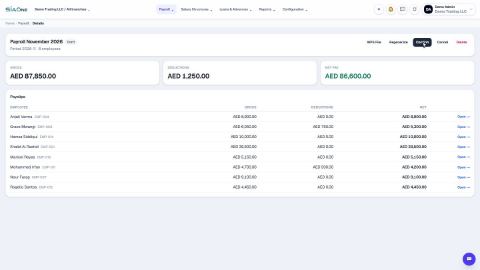 0:46
0:46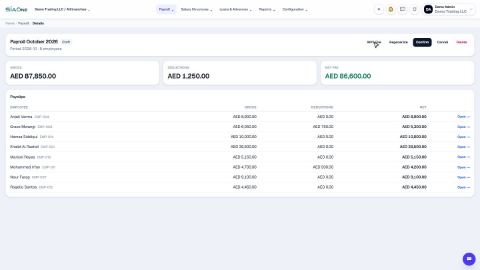 0:46
0:46