
Give a customer or vendor its own receivable or payable account
Post one customer's invoices, or one vendor's bills, to a separate account instead of the shared Accounts Receivable or Accounts Payable.
Before you start
Most companies never need this. By default every customer posts to one account, 1100 Accounts Receivable, and every vendor posts to 2000 Accounts Payable. The individual balances are still kept for each customer and vendor. Use a separate account only when your accountant asks for it - for example for a related company or a group of staff.
Steps
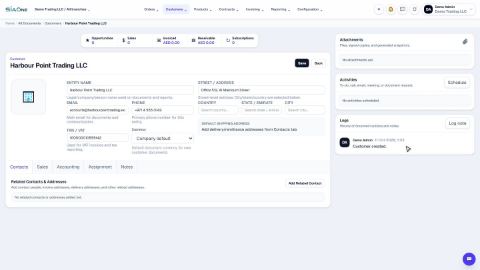
- Open the customer and click the Accounting tab.
- Receivable account is set to Use company default. This means invoices for this customer post to your normal Accounts Receivable. The small text under the field says: leave it as company default unless this partner posts to a specific account.
- To give this customer its own account, open the Receivable account list and choose the account. The list shows accounts such as 1100 Accounts Receivable and 1620 Intercompany Receivable.
- Click Save. New invoices and payments for this customer now post to that account.
Note
If you choose the same account as the company default, 1100 Accounts Receivable, SiaOne shows the field as Use company default again after you save. That is correct - it posts to the same account either way.
Tip
Vendors work the same way. Open the vendor, click the Accounting tab and use the Payable account field. The list offers Use company default and 2000 Accounts Payable.
Important
Ask your accountant before you change this. It decides which account new postings for this customer go to, and so which line of the balance sheet they appear on.
What happens next
See what a customer owes: See what a customer owes from their record.
 1:02
1:02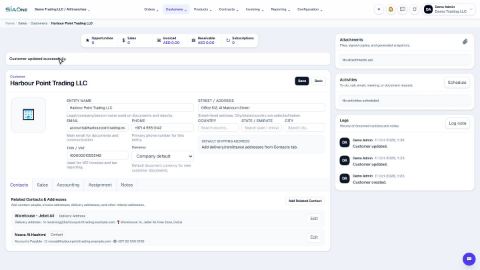 2:08
2:08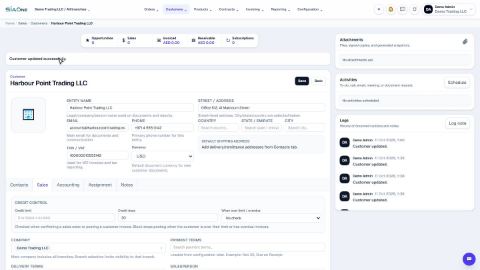 1:03
1:03