
Add a vendor
Create a vendor once, then use it on every RFQ, purchase order and vendor bill.
Where to find it
PurchaseVendorsVendors
Steps
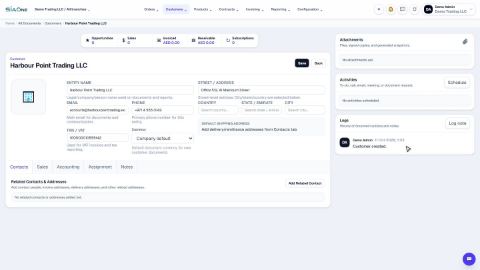
- Open Purchase, point at Vendors in the menu bar and choose Vendors. Click New.
- Type the Entity Name - the supplier's legal or trading name.
- Add the Email and Phone of their sales or accounts team, and their TRN / VAT number.
- Type the Street / Address. In the Purchase tab you can set a Payable limit - the most you are willing to owe this vendor - and what happens when it is passed.
- Click Save. The vendor is created.
Tip
Contact people and remittance addresses go on the Contacts tab, exactly as for a customer - see Add contact people and delivery addresses.
What happens next
Order from the new vendor: Create a purchase order.
Was this lesson helpful?
Thank you for the feedback.
Keep learning
Add a customer
Create a customer once, with its name, email, phone and TRN, so every quotation, order and invoice can use it.
Add contact people and delivery addresses
Keep the people you deal with, and the places you invoice and deliver to, on the customer or vendor record.
Set a customer's default currency and credit days
Make new quotations and invoices for a customer start in the right currency, and record how many days the customer has to pay.
 1:02
1:02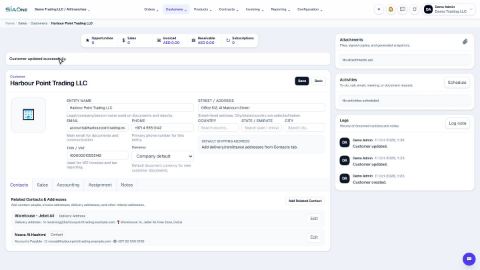 2:08
2:08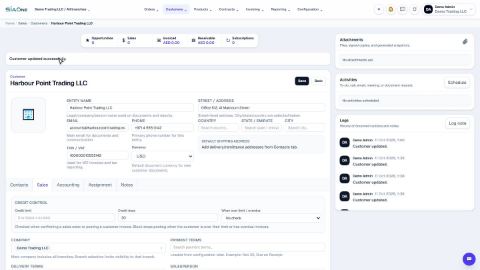 1:03
1:03