
See what a customer owes from their record
Open a customer and see what they bought, what was invoiced and what is still unpaid - then compare with every other customer.
Where to find it
SalesCustomersCustomers
Steps
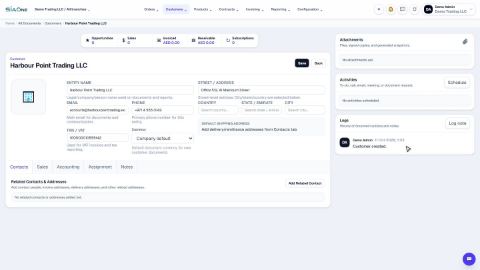
- Open the customer from Sales > Customers > Customers.
- The smart buttons at the top add everything up: Sales (orders and quotations), Invoiced (the total invoiced) and Receivable (what is still unpaid).
- Click Receivable. The customer's unpaid invoices open in a list, with the Due Date, the Total and the amount still Due. The cards on top show how many are overdue and the total Amount due.
- To see every customer at once, open Accounting > Reports > Customer Balance Summary. It lists what was charged, what was settled and the Balance Due for each customer.
Note
Only posted documents count. A draft invoice is not receivable until it is posted.
What happens next
See what you owe your own suppliers: Vendor Due Summary.
Was this lesson helpful?
Thank you for the feedback.
Keep learning
Add a customer
Create a customer once, with its name, email, phone and TRN, so every quotation, order and invoice can use it.
Add contact people and delivery addresses
Keep the people you deal with, and the places you invoice and deliver to, on the customer or vendor record.
Set a customer's default currency and credit days
Make new quotations and invoices for a customer start in the right currency, and record how many days the customer has to pay.
 1:02
1:02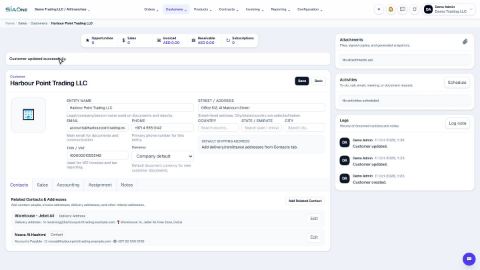 2:08
2:08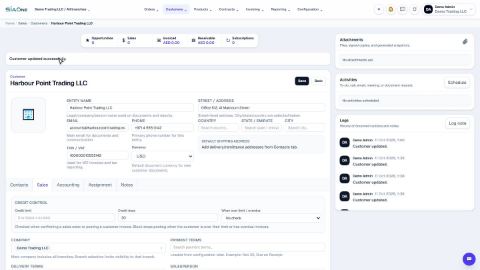 1:03
1:03