
Overview
Customers and vendors are the people and companies you do business with. They are created once and shared by every app: a customer you add under Sales is the same customer on an invoice in Accounting, and a vendor you add under Purchase is the one you pay in Accounting.
One record per customer or vendor: name and TRN, contact people, delivery addresses, currency, credit days and credit limit - and a live view of what they owe you, or what you owe them.
| Feature | Where | What it is |
|---|---|---|
| Customers | Sales > Customers > Customers | The customer list. Click New to add one. |
| Vendors | Purchase > Vendors > Vendors | The vendor list. Click New to add one. |
| Contact people and addresses | Customer or vendor > Contacts tab | People, invoice addresses and delivery addresses. |
| Currency and credit | Customer > Sales tab | Default currency, credit days, credit limit and what happens when it is passed. |
| What a customer owes | Customer > Receivable button | The customer's unpaid invoices. |
| Customer Balance Summary | Accounting > Reports | What every customer was charged, settled and still owes. |
| Vendor Due Summary | Accounting > Vendors | What you owe each vendor, by age. |
| Create from the home screen | Home > Search anything | Type new customer or new vendor to start a blank form. |
Tasks in Customers & Vendors
Customers
Add a customer
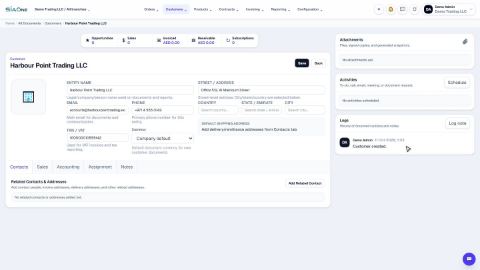
Create a customer once, with its name, email, phone and TRN, so every quotation, order and invoice can use it.
Add contact people and delivery addresses
Keep the people you deal with, and the places you invoice and deliver to, on the customer or vendor record.
Set a customer's default currency and credit days
Make new quotations and invoices for a customer start in the right currency, and record how many days the customer has to pay.
Set a credit limit for a customer
Warn your team, or stop them, when a customer owes more than you agreed or has overdue invoices.
Give a customer or vendor its own receivable or payable account
Post one customer's invoices, or one vendor's bills, to a separate account instead of the shared Accounts Receivable or Accounts Payable.
See what a customer owes from their record
Open a customer and see what they bought, what was invoiced and what is still unpaid - then compare with every other customer.
 1:02
1:02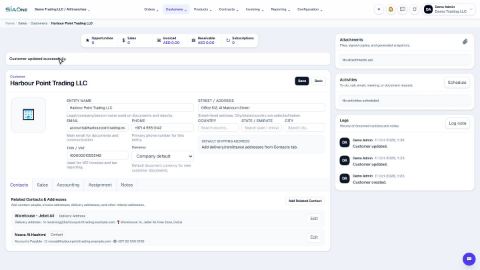 2:08
2:08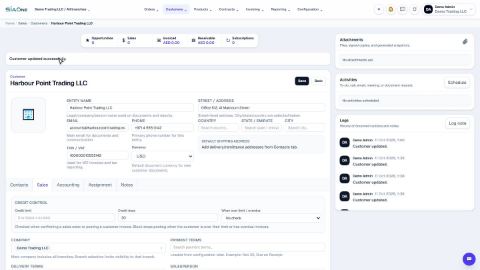 1:03
1:03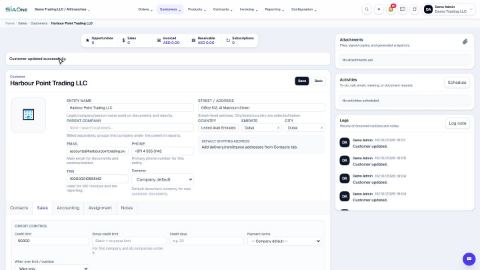 0:59
0:59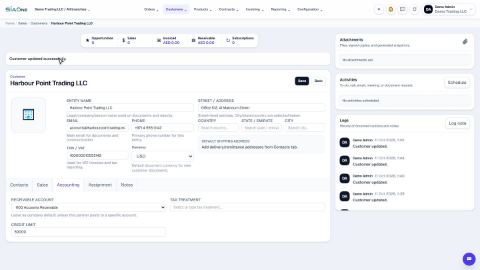 0:48
0:48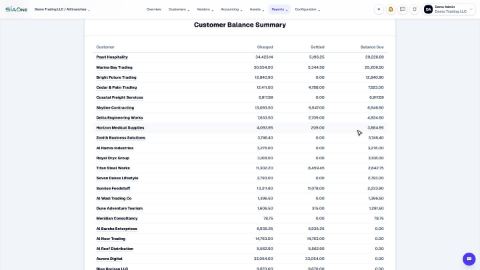 1:40
1:40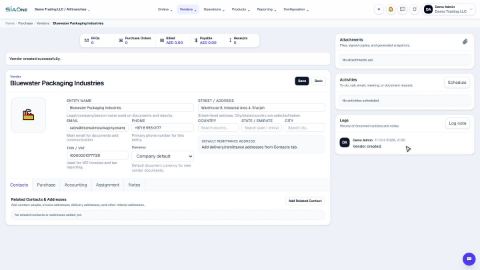 1:11
1:11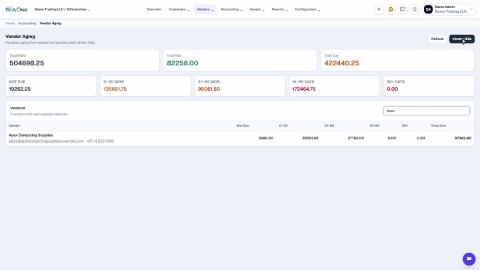 0:46
0:46