
Set a credit limit for a customer
Warn your team, or stop them, when a customer owes more than you agreed or has overdue invoices.
Where to find it
SalesCustomersCustomersSales tabCredit Control
Steps
- Open the customer and go to the Sales tab. Credit Control is the box at the top.
- Type the Credit limit - the most this customer may owe you in total. Leave it blank for no limit.
- Under When over limit / overdue choose what SiaOne does: No check (nothing happens), Warn only (the user sees a warning and can carry on) or Block posting (the document cannot be posted while the customer is over the limit or has overdue invoices).
- Click Save. The check runs when someone confirms a sales order or posts a customer invoice for this customer.
Tip
Start with Warn only. Switch to Block posting for customers who are often late.
Note
The Credit limit also shows on the Accounting tab - it is the same figure.
What happens next
Check what the customer owes right now: See what a customer owes from their record.
Was this lesson helpful?
Thank you for the feedback.
Keep learning
Add a customer
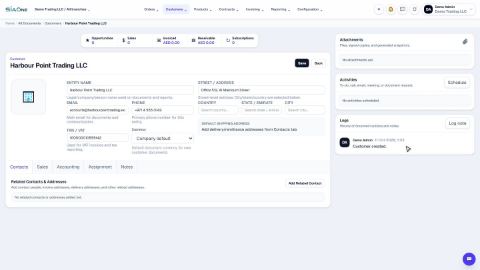
Create a customer once, with its name, email, phone and TRN, so every quotation, order and invoice can use it.
Add contact people and delivery addresses
Keep the people you deal with, and the places you invoice and deliver to, on the customer or vendor record.
See what a customer owes from their record
Open a customer and see what they bought, what was invoiced and what is still unpaid - then compare with every other customer.
 1:02
1:02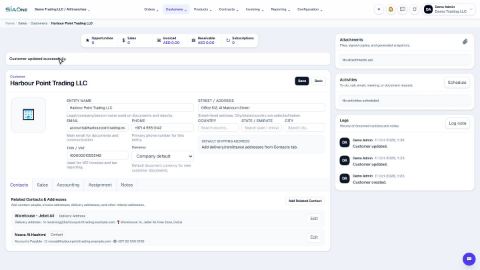 2:08
2:08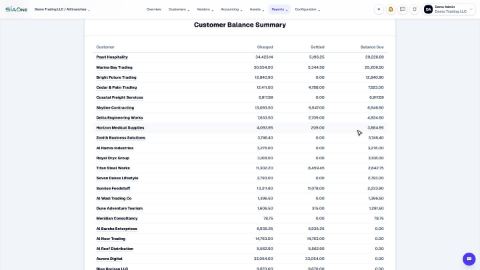 1:40
1:40