
Attach files to a record
Keep the signed copy, a receipt or a supplier invoice on the record it belongs to, so anyone can find it later.
Where to find it
Any recordAttachments panel
Quotations, orders, invoices, bills, customers, vendors and most other records have an Attachments panel on the right. This example uses a customer.
Steps
- Open the record you want to attach a file to.
- In the Attachments panel, click the paperclip.
- In the Add Attachment window, click Choose File and pick the file from your computer. Type a short Note if you like, for example "Signed price list for 2026".
- Click Save. The file appears in Attachments, and Added attachment is written to the Logs.
Tip
Attach the evidence while you still have it: the signed delivery note, the supplier's invoice, the customer's purchase order.
What happens next
Plan the next action on the record: Schedule an activity.
Was this lesson helpful?
Thank you for the feedback.
Keep learning
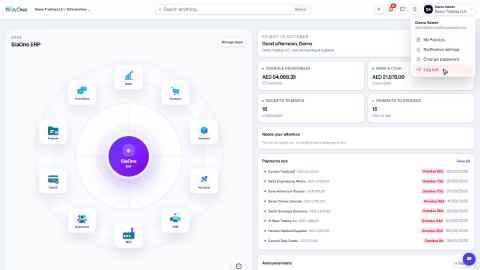
Sign in to SiaOne
Open your company's SiaOne address, sign in with your email and password, and find where to log out.
Find your way around
The home screen, the app menu bar, breadcrumbs, lists and record pages - the five things every SiaOne screen is built from.
Switch company and branch
Choose which company and branch you are working in, and understand which company a new document is saved to.
 1:28
1:28 1:41
1:41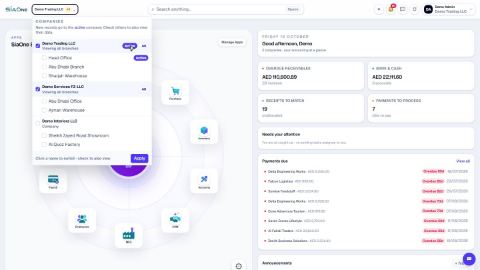 1:59
1:59