
Search anything from the top bar
Find a customer, vendor, invoice, bill, product or payment in seconds, or jump straight to a list or a new record.
Where to find it
HomeSearch anything
Steps
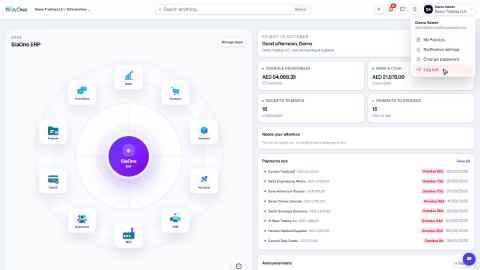
- On the home screen, click the Search anything bar at the top - or press the Space bar. With nothing typed, the list shows places you can jump to: customers, vendors, products, invoices, settings and the Apps Manager.
- Type a few letters, for example
gulf. Matching customers, vendors, bills, payments, orders and more appear in groups, each with the amount and status. - Click a result - or press Enter to open the highlighted one. The record opens.
- To create something, go back to the home screen and type what you want, for example
new customer. Choose Create Customer to open a blank form.
Note
The Search anything bar is on the home screen. Inside an app, use the search box above the list you are in (see Work with lists), or click the SiaOne logo to go back to the home screen.
Tip
Search looks at names, emails, phone numbers and document numbers, so you can type any of them.
What happens next
When you have found the list you need, learn to work with lists.
Was this lesson helpful?
Thank you for the feedback.
Keep learning
Sign in to SiaOne
Open your company's SiaOne address, sign in with your email and password, and find where to log out.
Find your way around
The home screen, the app menu bar, breadcrumbs, lists and record pages - the five things every SiaOne screen is built from.
Choose columns, sort and export a list to Excel
Show only the columns you need, sort the list, and download exactly what you see as an Excel file.
 1:16
1:16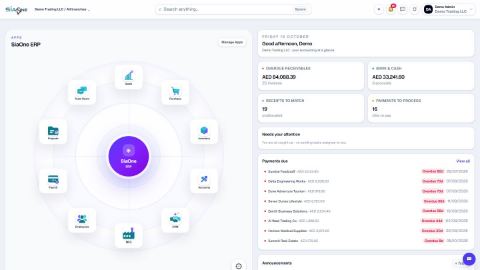 1:14
1:14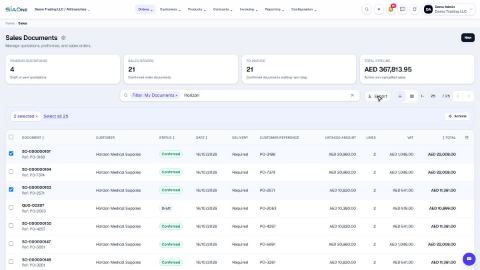 1:05
1:05