
Switch between light and dark theme
One click in the top bar changes how SiaOne looks - a dark screen is easier on the eyes in the evening.
Where to find it
Top barsun / moon button
Steps
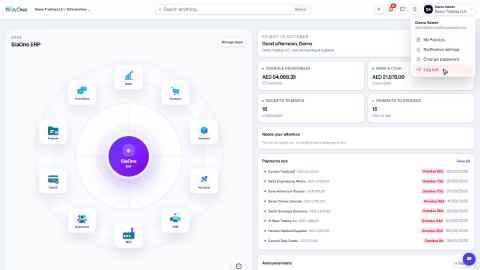
- Click the sun / moon button in the top bar, next to your name. The button shows a sun in the light theme and a moon in the dark theme.
- The whole screen changes. Every app, list and record page follows the same theme.
- Click the button again to go back.
Note
The theme is a setting of your browser, so it applies to you only and is still there the next time you sign in on the same computer. Other users keep their own.
Was this lesson helpful?
Thank you for the feedback.
Keep learning
Sign in to SiaOne
Open your company's SiaOne address, sign in with your email and password, and find where to log out.
Find your way around
The home screen, the app menu bar, breadcrumbs, lists and record pages - the five things every SiaOne screen is built from.
Switch company and branch
Choose which company and branch you are working in, and understand which company a new document is saved to.
 1:28
1:28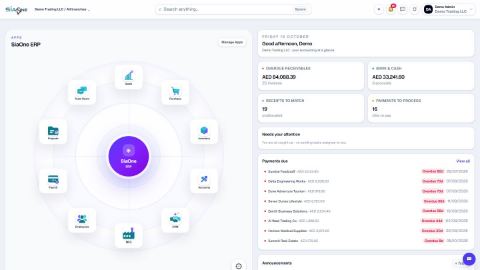 1:41
1:41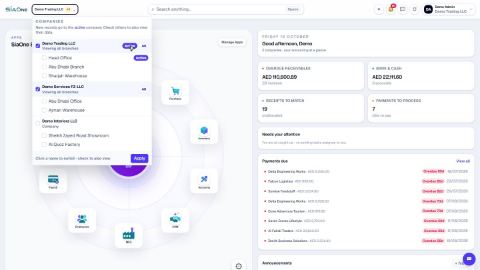 1:59
1:59