
Change the date format and decimal places
Show dates and amounts the way you read them - day first or month first, and how many decimals.
Where to find it
SettingsGeneral
Steps
- Open Settings. The General tab shows your display preferences.
- Under Date Format choose how dates are written: DD/MM/YYYY, MM/DD/YYYY or YYYY-MM-DD.
- Under Decimal Places choose how many decimals totals and taxes show: 0 (whole numbers), 2 (standard) or 3 for currencies such as KWD, BHD and OMR.
- Click Save Settings. Open any document - its dates now follow the new format, for example 08/25/2026.
- To go back, open Settings again, choose the old values and click Save Settings.
Note
Decimal Places applies to documents you create from now on. Existing documents keep the decimals they were created with.
Tip
The same page also has ERP Font Size and Language.
What happens next
See how document numbers are built: Document and journal numbering.
Was this lesson helpful?
Thank you for the feedback.
Keep learning
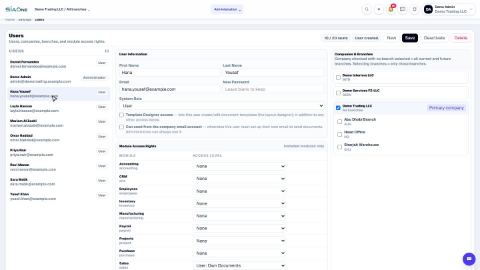
Add a user and set access rights
Create a login for a colleague, choose the companies they can work in, and set their access level for each app.
Understand access levels: None, Own Documents, Manager
What None, User: Own Documents and Manager mean for each app, and how they differ from the Administrator role.
Create an approval rule
Hold documents - for example large vendor bills - until the right person approves them.
 1:03
1:03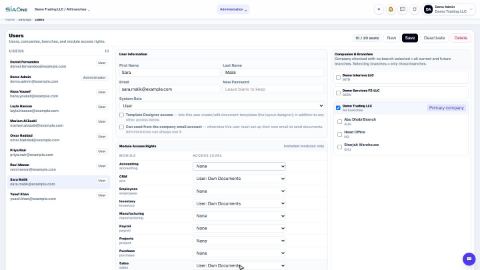 0:57
0:57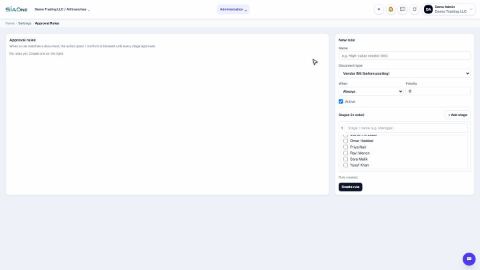 0:58
0:58