
Let Sales and Purchase managers post invoices and bills
Allow Sales and Purchase managers to post invoices and bills into the books without full Accounting access.
Where to find it
SettingsAccounting
Before you start
By default only people with Accounting access can post an invoice or a bill. Posting means finalising it into the ledger. Sales and Purchase users can always create and view their own invoices and bills, whatever these switches say.
Steps
- Open Settings and click the Accounting tab.
- Scroll down to Invoice & Bill Posting Access. The text under the heading says that these switches let managers post without full Accounting access, and that Off means only Accounting posts.
- Allow Sales users to post customer invoices: when on, a Sales Manager can post the customer invoices they can access.
- Allow Purchase users to post vendor bills: when on, a Purchase Manager can post the vendor bills they can access.
- Both switches are off until you turn them on. To give managers this right, turn the switch on and click Save Settings at the top right.
Note
Accounting Managers can always post. These switches only add the right for Sales and Purchase Managers - ordinary Sales and Purchase users still need a manager or Accounting to post.
Important
Posting puts the document into the books. Turn a switch on only if you trust your managers to check the amounts, the tax and the accounts first.
What happens next
See who can do what: Access levels explained.
Was this lesson helpful?
Thank you for the feedback.
Keep learning
Add a user and set access rights
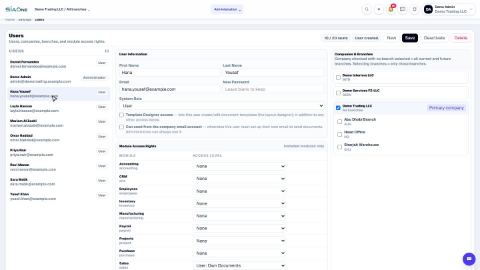
Create a login for a colleague, choose the companies they can work in, and set their access level for each app.
Understand access levels: None, Own Documents, Manager
What None, User: Own Documents and Manager mean for each app, and how they differ from the Administrator role.
Add a branch
Add a head office, branch, warehouse, store or office to a company, so users and documents can be tied to a location.
 1:03
1:03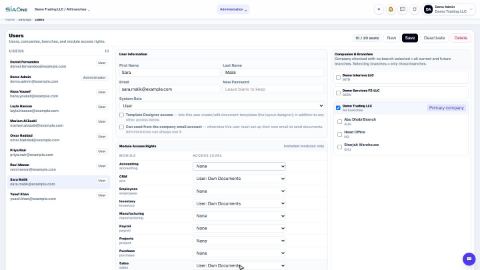 0:57
0:57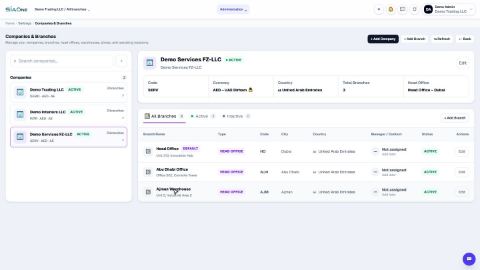 1:04
1:04