
Review the Sales, Purchase and Inventory settings
A tour of the switches that decide how selling, buying and stock work in your company.
Where to find it
SettingsSales, Purchase, Inventory
Before you start
This lesson is a tour. You only look at the switches - nothing is changed. Change a switch only when you know your team is ready for it, because it changes how everyone works.
Steps
- Open Settings and click the Sales tab. Use quotation before sales order makes every sale start as a quotation that you confirm into a sales order. Use proforma adds an optional proforma invoice step.
- Allow invoice before delivery lets you invoice before the goods leave. Auto-create invoice after delivery drafts the customer invoice for you as soon as a delivery is confirmed. The small ? next to a heading, such as Sales Document Numbering, gives a short hint when you point at it.
- Open the Purchase tab. Use RFQ before purchase order makes every purchase start as a request for quotation (RFQ) that you convert into a purchase order.
- Require GRN / receipt before vendor bill means a vendor bill can be made only after the goods are received. Allow vendor bill before receipt is the opposite: you may bill before the goods arrive.
- Auto-create vendor bill after receipt prepares a draft vendor bill as soon as a goods receipt is done. Purchase Accounting Defaults sets the account used on bill lines when a product has none of its own.
- Open the Inventory tab. Allow negative stock lets you deliver more than the system says you have. It is usually best to keep it off.
- Track expiry dates turns on expiry dates for lot and batch products.
- Default Lot Allocation Policy decides which lot is picked first when the system chooses for you: FIFO (oldest received first), FEFO (earliest expiry first) or Long expiry first.
- Inventory valuation shows the costing method, which is Average cost (AVCO). If you do change a switch, click Save Settings at the top right.
Note
Switches on the Sales and Purchase tabs control which steps a document goes through. They do not change documents you have already made.
Tip
Point at any small ? to read what a heading does.
What happens next
See how document numbers are built: Document and journal numbering.
Was this lesson helpful?
Thank you for the feedback.
Keep learning
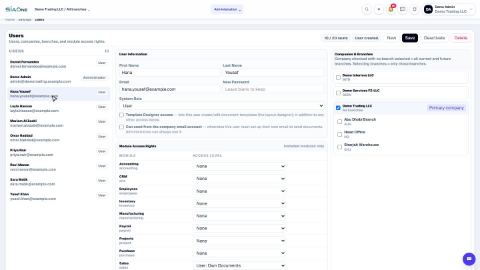
Add a user and set access rights
Create a login for a colleague, choose the companies they can work in, and set their access level for each app.
Understand access levels: None, Own Documents, Manager
What None, User: Own Documents and Manager mean for each app, and how they differ from the Administrator role.
Add a branch
Add a head office, branch, warehouse, store or office to a company, so users and documents can be tied to a location.
 1:03
1:03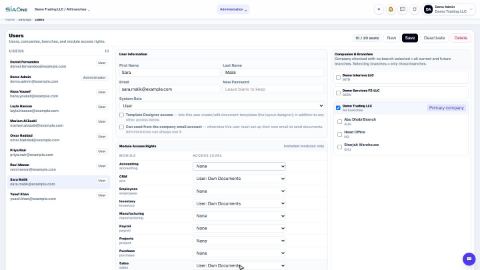 0:57
0:57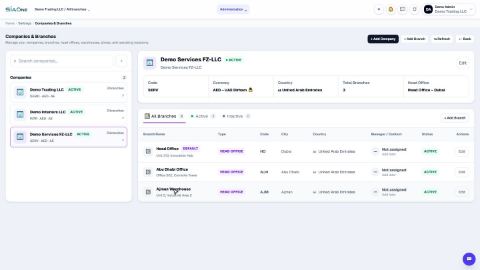 1:04
1:04