
Overview
Settings is where you tune the workspace: your own preferences, each app's rules, email, and - for administrators - users, companies, approvals and document designs. Open it from the gear tile on the home screen.
The Settings page has one tab per area. The Administration menu at the top holds the pages only administrators use.
| Feature | Where | What it is |
|---|---|---|
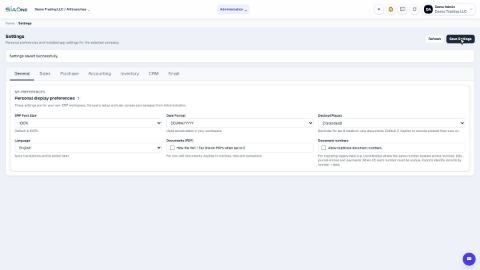
| Display preferences | Settings > General | Font size, date format, decimal places and language. |
| App rules and numbering | Settings > Sales, Purchase, Accounting, Inventory, CRM | How each app behaves: document numbering, workflow options, posting accounts, lock dates. |
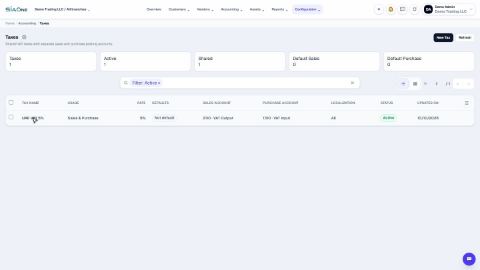
| Country accounting setup | Settings > Accounting | The chart of accounts, taxes and journals of your country. |
| Settings > Email | Your sending account, email templates and the company account. | |
| Users | Administration > Users | Create users and set their access level for each app. |
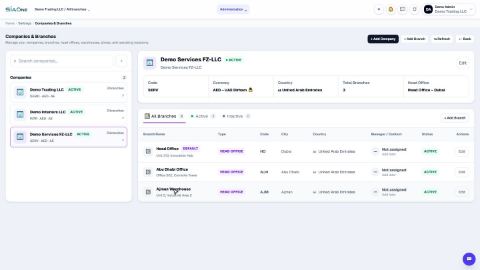
| Companies & Branches | Administration > Companies & Branches | Companies, branches, warehouses and stores. |
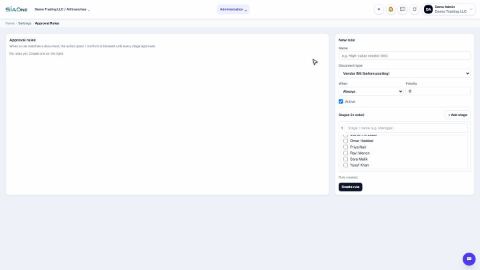
| Approval Rules | Administration > Approval Rules | Hold a document until it is approved. |
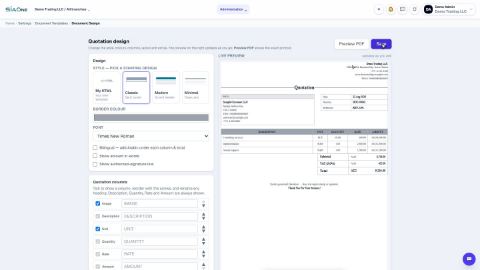
| Document Templates | Administration > Document Templates | The look of every printed document. |
| Custom Fields | Settings > Custom Fields | Your own fields on contacts, products and invoices. |
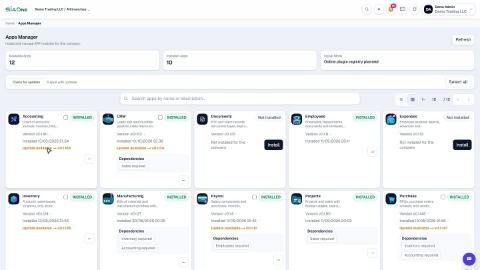
| Apps | Home > Manage Apps | Which apps are installed, their versions and dependencies. |
Each settings heading has a small ? icon - hover over it for a short explanation.
Tasks in Settings & Administration
Users
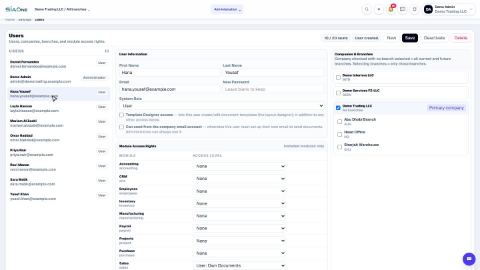
Add a user and set access rights
Create a login for a colleague, choose the companies they can work in, and set their access level for each app.
Understand access levels: None, Own Documents, Manager
What None, User: Own Documents and Manager mean for each app, and how they differ from the Administrator role.
 1:03
1:03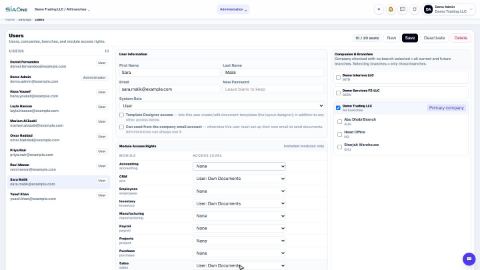 0:57
0:57Companies
 1:04
1:04Preferences
Change the date format and decimal places
Show dates and amounts the way you read them - day first or month first, and how many decimals.
Change document and journal numbering
See how quotation, order, invoice, bill, payment and journal numbers are built, and where to change the prefix, format and starting number.
 1:03
1:03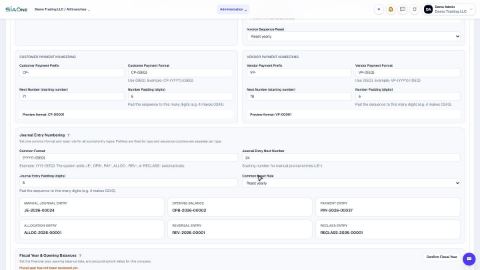 0:50
0:50Approvals
 0:58
0:58Printing
 0:59
0:59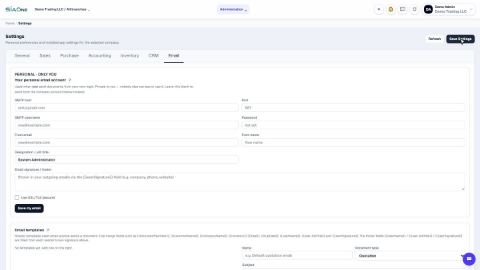 0:45
0:45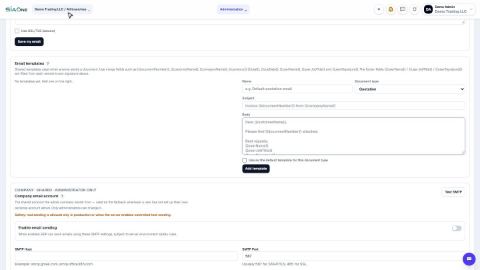 1:10
1:10Apps
 0:40
0:40Accounting setup
 0:55
0:55Customisation
Company settings
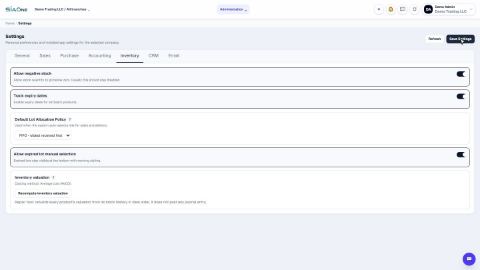
Review the Sales, Purchase and Inventory settings
A tour of the switches that decide how selling, buying and stock work in your company.
Let Sales and Purchase managers post invoices and bills
Allow Sales and Purchase managers to post invoices and bills into the books without full Accounting access.
 1:30
1:30 0:45
0:45Coming soon
These lessons are being written and recorded.
- Add a company
- Add a custom field
- Install or update an app (apps are installed through SiaOne Control)