
Find aged and slow-moving stock
Find the products that have not moved for a long time, and how much money is tied up in them.
Where to find it
InventoryReportsAged / Slow-moving Stock
Steps
- Open Inventory, then go to Reports > Aged / Slow-moving Stock.
- Each row is a product that is in stock. On Hand is the quantity and Value is what that stock is worth.
- Last Movement is the date of the product's latest receipt or delivery. Days Idle counts the days since then.
- The products that have waited longest are at the top. To find one product, type part of its name in Search.
- To see the same report for another day, change As Of. Click PDF or XLSX to save it.
Tip
Products near the top with a high Value are the ones to look at first. Think about a discount, a return to the vendor, or a pause on buying more.
Note
Only completed stock moves are counted. Goods count only once they have been received or delivered.
What happens next
If you decide to stop buying a product, update its reordering rule.
Was this lesson helpful?
Thank you for the feedback.
Keep learning
Check stock on hand
See how much of each product you have and what it is worth, find a product quickly, and see how its quantity got there.
Create a product
Add a stock item with its type, category, code and prices, so you can buy it, sell it and count it.
Choose a product type: storable, consumable or service
The Product Type decides whether SiaOne counts the stock, receives it, delivers it and values it.
 1:22
1:22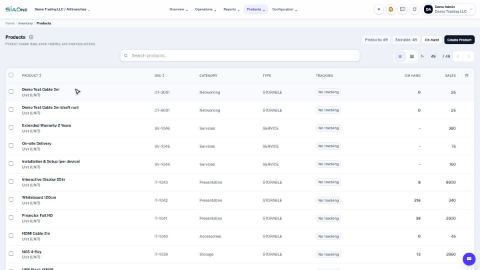 1:27
1:27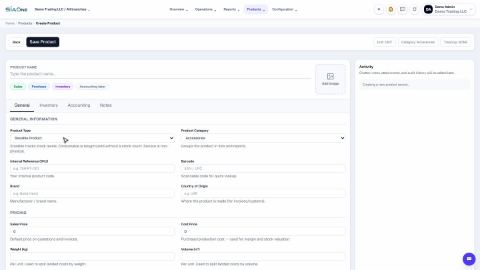 1:31
1:31