
See what your stock is worth (Stock Valuation)
See what your stock is worth today or on an earlier date, and how each product's cost was built move by move.
Where to find it
InventoryReportsStock Valuation
Steps
- Open Inventory, then go to Reports > Stock Valuation.
- Each row is a product in a location. On Hand is the quantity, Unit Cost is the current average cost, and Value is the quantity times the cost. The report counts only goods in your own (internal) locations.
- To find one product, type part of its name or code in Search.
- To see your stock as it was on an earlier day, change the As Of date. Click the date, type the day, for example 01/09/2026, and press Enter.
- To see how the cost of a product was built, open Reports > Stock Valuation Detail. It lists every receipt, delivery and adjustment in date order, with the running On Hand, Avg Cost and Value. Search for a product to follow it.
- Click PDF or XLSX at the top to save the report.
Note
Stock is valued at average cost: each receipt blends its price into the product's cost. Only completed stock moves are counted.
What happens next
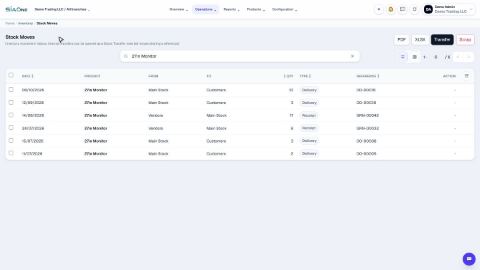
To see what moved in a period, open Stock Ledger and Stock Movement Summary.
Was this lesson helpful?
Thank you for the feedback.
Keep learning
Check stock on hand
See how much of each product you have and what it is worth, find a product quickly, and see how its quantity got there.
Create a product
Add a stock item with its type, category, code and prices, so you can buy it, sell it and count it.
Choose a product type: storable, consumable or service
The Product Type decides whether SiaOne counts the stock, receives it, delivers it and values it.
 1:22
1:22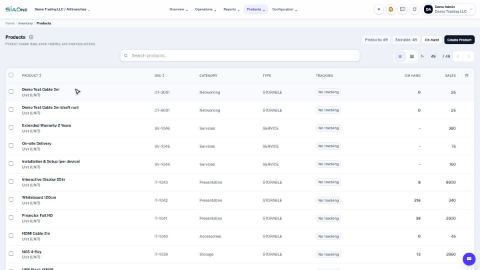 1:27
1:27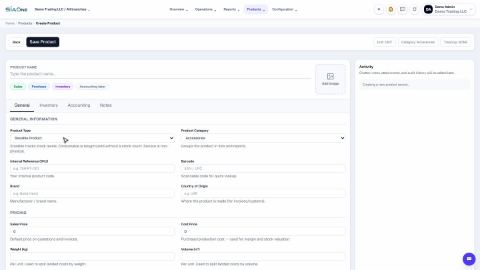 1:31
1:31