
Check stock on hand
See how much of each product you have and what it is worth, find a product quickly, and see how its quantity got there.
Where to find it
InventoryOperationsOn-hand Quantities
Steps
- Open Inventory, then go to Operations > On-hand Quantities.
- Each row is a product. On Hand is the quantity you have now, and Value is what that stock is worth. The total for the whole list is shown above it as Inventory value.
- To find one product, type its name or code in the search box and press Enter.
- To narrow the list, click the search box and pick a filter, such as Out of stock. The filter shows as a tag in the box. Click its x to remove it.
- To see how a quantity got there, open Operations > Stock Moves and search for the same product. Every receipt, delivery and adjustment is listed with its date, locations and reference.
Tip
The PDF and XLSX buttons at the top of the list save what you see, so you can print it or open it in a spreadsheet.
What happens next
If the real count on the shelf is different, see Count stock.
Was this lesson helpful?
Thank you for the feedback.
Keep learning
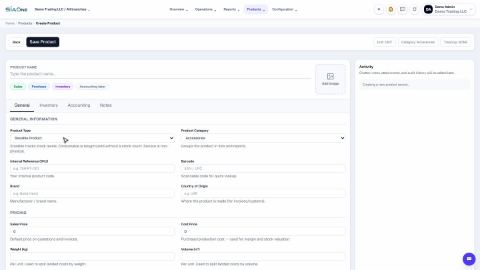
Choose a product type: storable, consumable or service
The Product Type decides whether SiaOne counts the stock, receives it, delivers it and values it.
Create product variants (size, colour)
Set up attributes such as Size and Colour once, then generate every combination of a product in one click.
Buy by the box, sell by the piece (units of measure)
Define a box (or dozen, or kilogram) once, buy in it, and let stock stay counted in the product's own unit.
 1:31
1:31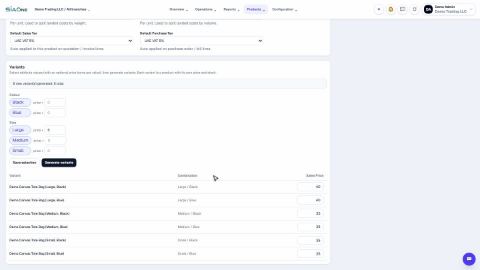 1:38
1:38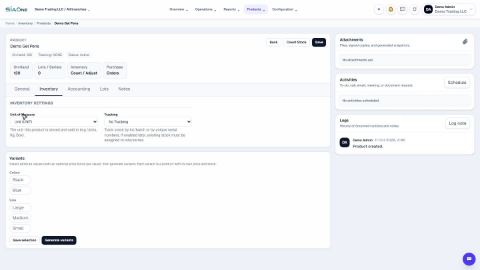 2:16
2:16