
Overview
Inventory keeps your stock honest: how much you have, where it is, what it is worth, and when to reorder. Deliveries and receipts flow through here automatically, and every stock movement posts its value to the books.
| Feature | Where | What it is |
|---|---|---|
| Overview | Inventory › Overview | Products, inventory value, items to reorder and stock locations at a glance, with shortcuts to the main screens. |
| On-hand Quantities | Inventory › Operations | Stock per product with value, and a lot / serial breakdown for tracked products. |
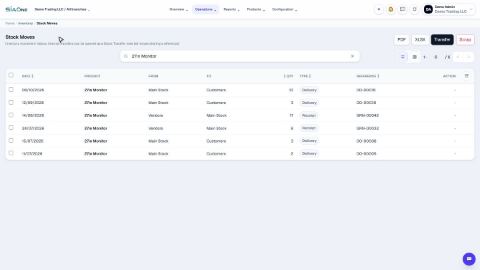
| Stock Moves | Inventory › Operations | The full movement history. Also where you record a Transfer or Scrap. |
| Inventory Adjustments | Inventory › Operations | Count stock and apply the difference. |
| Lots / Serials | Inventory › Operations | Batch and serial numbers with expiry and on-hand per lot. |
| Landed Costs | Inventory › Operations | Add freight, customs, insurance and handling to the cost of received goods. |
| Reports | Inventory › Reports | Stock Valuation, Stock Valuation Detail, Stock Movement Summary, Stock Ledger and Aged / Slow-moving Stock. |
| Products | Inventory › Products | Products and Product Categories. |
| Configuration | Inventory › Configuration | Stock Locations, Reordering Rules, Units of Measure and Inventory Settings. |
Stock is valued at average cost. Whether stock may go below zero is a setting under Inventory Settings.
Tasks in Inventory
Operations
Check stock on hand
See how much of each product you have and what it is worth, find a product quickly, and see how its quantity got there.
Count stock
Count what is on the shelf, type it in, and let the system correct the quantity and the books.
Track lots, serial numbers and expiry dates
Track stock batch by batch or item by item. Receive goods with a lot number and an expiry date, then see every lot in one list.
Transfer stock between locations
Move goods from one stock location to another. The total stays the same; only the place changes.
Add freight and customs to stock cost (landed costs)
Share a freight, customs or handling cost across the goods you received, so each product's stock cost shows what it really cost to get to your shelf.
Scrap damaged stock
Write off goods that are damaged, expired or lost, so your stock and its value stay true.
 1:22
1:22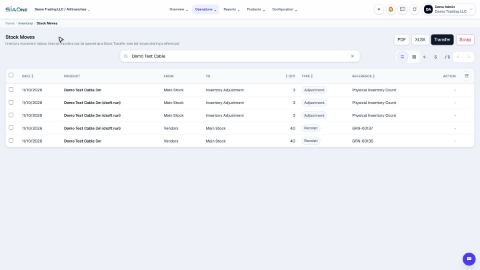 1:19
1:19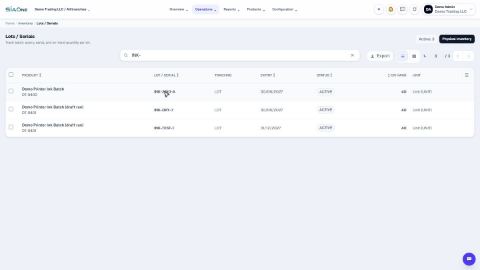 1:55
1:55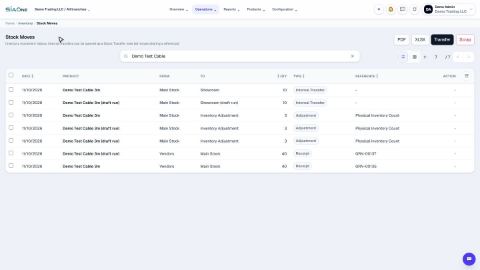 1:19
1:19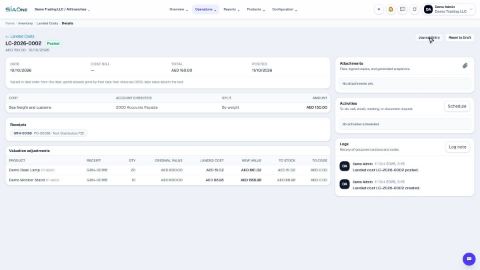 1:34
1:34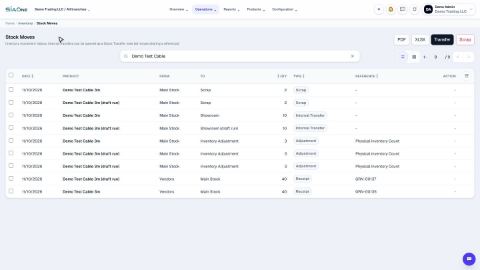 1:26
1:26Products
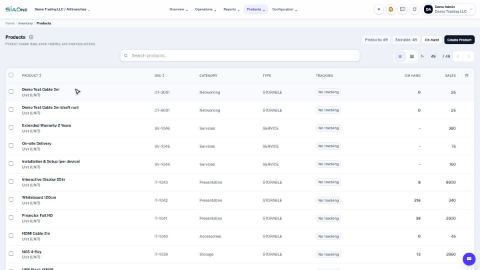
Create a product
Add a stock item with its type, category, code and prices, so you can buy it, sell it and count it.
Choose a product type: storable, consumable or service
The Product Type decides whether SiaOne counts the stock, receives it, delivers it and values it.
Create product variants (size, colour)
Set up attributes such as Size and Colour once, then generate every combination of a product in one click.
Buy by the box, sell by the piece (units of measure)
Define a box (or dozen, or kilogram) once, buy in it, and let stock stay counted in the product's own unit.
 1:27
1:27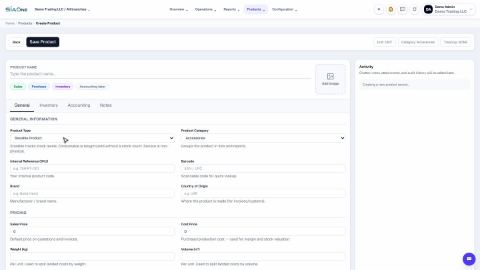 1:31
1:31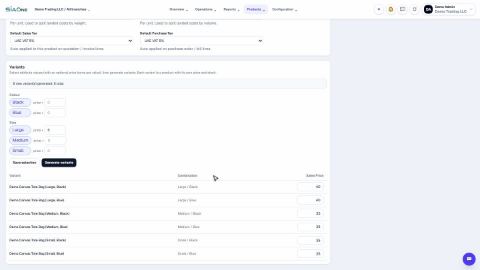 1:38
1:38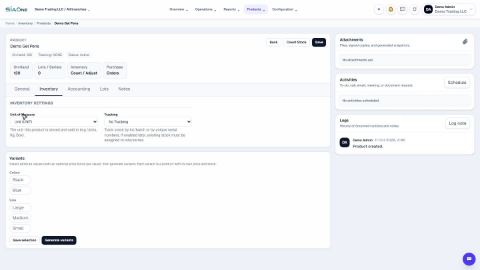 2:16
2:16Configuration
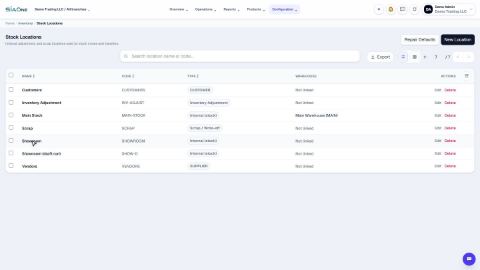
Add a stock location
Create a shelf, room or shop where stock can be kept, so you can move goods to it.
Set a reordering rule
Set a minimum and a maximum for a product, and get a flag when stock runs low.
Allow or block negative stock
Decide whether a delivery may take stock below zero. Find the setting and see what it does.
 1:06
1:06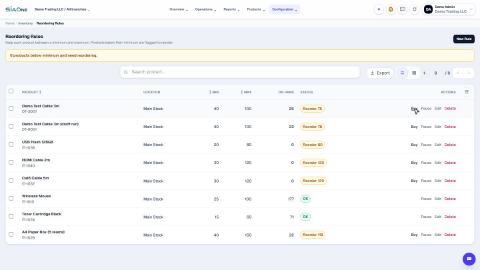 1:26
1:26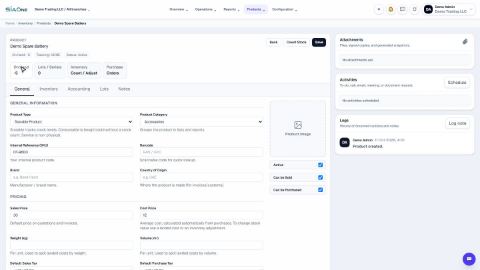 1:43
1:43Reports
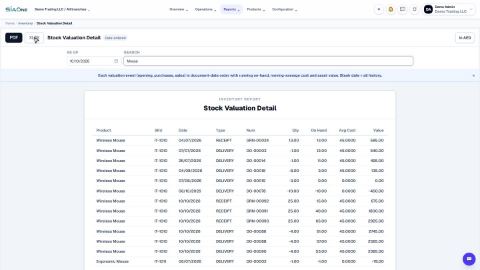
See what your stock is worth (Stock Valuation)
See what your stock is worth today or on an earlier date, and how each product's cost was built move by move.
Trace stock with the Stock Ledger and Movement Summary
See what came in and went out of each product over a period, and the full line-by-line history.
Find aged and slow-moving stock
Find the products that have not moved for a long time, and how much money is tied up in them.
 1:56
1:56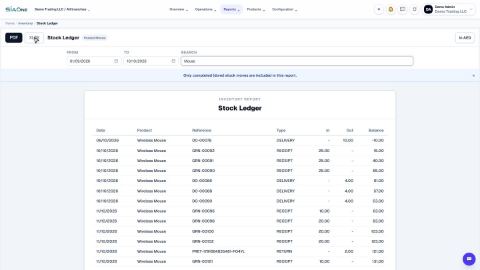 1:32
1:32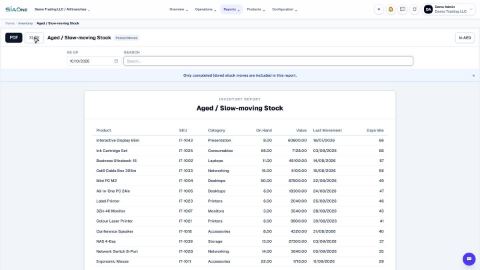 1:14
1:14