
Buy in a different unit (by the kilogram or the box)
Count stock in pieces but buy by the kilogram or by the box. The quantity and the price convert for you, and stock stays in the product's own unit.
Before you start
The product needs more than one unit. In this lesson cable ties are counted in pieces (Unit), but the vendor sells them by the kilogram, and one kilogram holds about 250 pieces. For the units themselves, see Units of measure.
Steps
- Open Purchase > Products > Products, search for the product, open it and click its Inventory tab.
- Under Other Units, click + Add unit. Choose Kilogram (KG) and type how many pieces make one kilogram: 1 KG = 250 UNIT.
- We only buy this product by the kilogram, so untick Sales and tick Default purchase. Click Save.
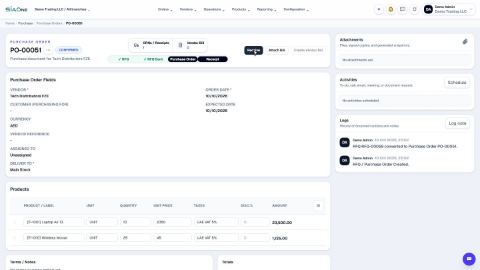
- Open Purchase and click New. Choose the vendor and add the product. The Unit is already KG, and the Unit Price is converted to the price of one kilogram.
- Type the Quantity in kilograms. Unit Price is the price of one kilogram.
- Click Create RFQ, then Confirm, then Receive and Validate Receipt.
- Open the product again. Stock is counted in pieces: 12 kilograms are 3,000 on hand.
Note
The product's own unit (Unit of Measure on the Inventory tab) is the one stock, costs and reports use. Other Units only change how you enter a line. You can change Unit on a line yourself and pick any other unit the product has: the price follows the unit you choose.
Tip
Units in the same family (for example Dozen or Box of 24 for a product counted in pieces) need no conversion typed on the product. Other Units is for units of a different kind, such as kilograms for something you count in pieces, or a box of your own size.
What happens next
Receive the goods as usual: see Receive goods from a vendor.
 1:54
1:54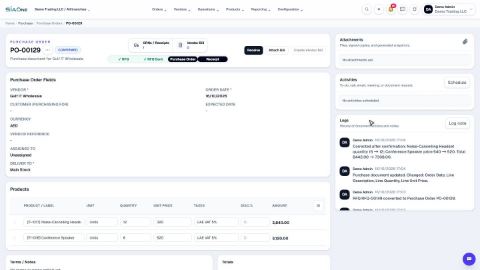 1:15
1:15 1:54
1:54