
Email an RFQ to a supplier
Send the request for quotation to the supplier by email, with the PDF attached.
Where to find it
PurchaseOrders
Before you start
Create the RFQ first. See Create a purchase order. Sending needs your company's outgoing email to be set up by an administrator under Settings > Email.
Steps
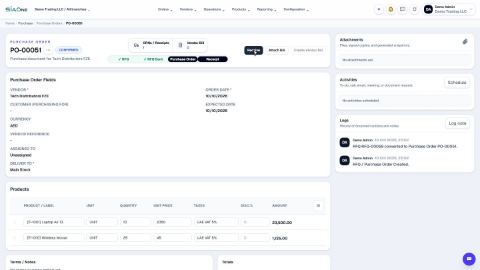
- Open Purchase, search for the RFQ and click it.
- Open the actions menu (the three dots next to the number) and click Email RFQ.
- To is already filled in with the vendor's email address. Type another address and press Enter to add more people. Use CC and BCC in the same way.
- Change the Subject or the Message if you want to. Both are filled in for you.
- Keep Attach PDF document ticked, so the supplier receives the full RFQ as a PDF.
- Click Send Email.
Note
The video stops before the last click, because the test company has no outgoing mail server. On your own company, the email goes out to the supplier.
Tip
For a confirmed purchase order the same menu has Email Order.
What happens next
When the supplier agrees, open the RFQ and click Confirm. See Create a purchase order.
Was this lesson helpful?
Thank you for the feedback.
Keep learning
Create a purchase order
Start a request for quotation (RFQ) for a vendor, add the products, then confirm it into a purchase order.
Correct a confirmed purchase order
Wrong quantity or price on an order you have already confirmed? Use Correct order. The order stays confirmed, and stock, bills and payments follow.
Cancel an order or delete a draft RFQ
Cancel an order you no longer need and keep the record, or delete a draft RFQ for good.
 1:54
1:54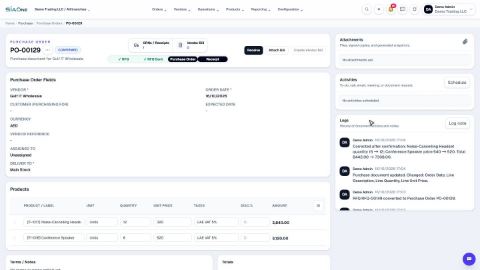 1:29
1:29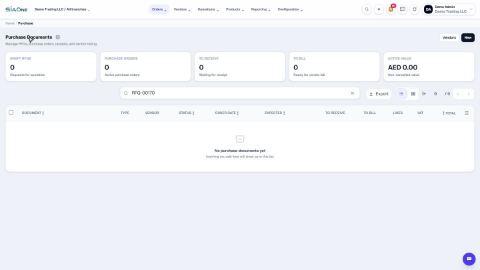 1:54
1:54