
Correct a confirmed purchase order
Wrong quantity or price on an order you have already confirmed? Use Correct order. The order stays confirmed, and stock, bills and payments follow.
Before you start
The order must be confirmed. Goods may already be received and the bill may already be posted: Correct order handles that too. Only a Purchase Manager can use it. If the correction changes a bill that is already posted, you also need Accounting - Manager access.
Steps
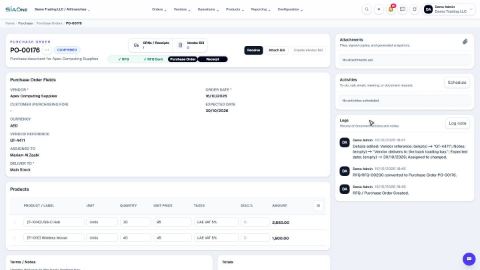
- Open Purchase, search for the order and click it. Its status is Confirmed.
- Open the actions menu (the three dots next to the number) and click Correct order. A window opens with every line of the order.
- Change the Quantity or the Unit price on the line. Received and Billed show what has already happened on each line. You can also remove a line, or add a product at the bottom.
- Click Review changes. A box called What will happen lists every change and the new order total. Nothing is saved yet, so you can still change your mind.
- Click Apply correction. The order stays Confirmed with the corrected figures.
Note
Bills made from the order are posted again with the same number and date. Payments are applied again. Anything paid over the new amount stays with the vendor as credit. Received stock is revalued. If you lower a quantity below what was already received, a return is created for the extra units.
Tip
The Logs on the right of the order record the correction, so anyone can see what was changed and by whom.
Note
Reset to Draft is still in the same menu. It moves the order back to draft so you can rebuild it, then Confirm it again. Use it only when nothing has been received or billed. If you only need to change a reference, a note or the expected date, use Edit the details of a confirmed purchase order. To stop the order altogether, choose Cancel.
What happens next
Carry on as before: receive the goods when they arrive.
 1:13
1:13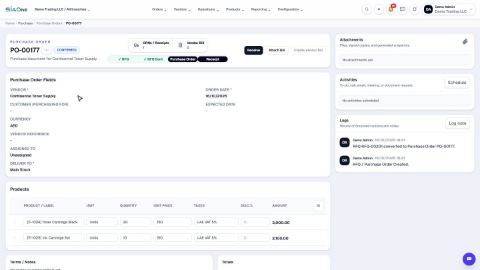 0:56
0:56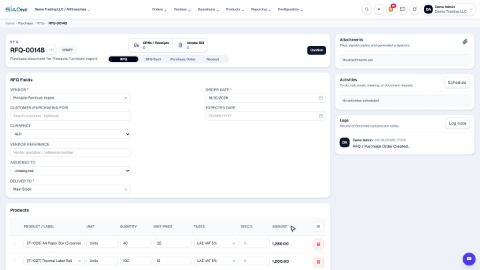 1:07
1:07