
Overview
Accounting is the financial backbone: the chart of accounts, journals and taxes, everything you invoice, buy and pay, and the reports that tie it together. Every posted sale, purchase, stock movement and expense lands here as a journal entry.
The flow: invoice a customer (or enter a vendor bill) > Confirm it so it is posted > record the payment > read the result in the reports.
| Feature | Where | What it is |
|---|---|---|
| Overview | Accounting > Overview | Bank balance, receipts to match, payments to process, overdue invoices and a set-up checklist. |
| Customers | Accounting > Customers | Customers, Customer Invoices, Credit Notes and Customer Payments. |
| Vendors | Accounting > Vendors | Vendors, Vendor Bills, Cash Purchases, Debit Notes, Vendor Payments and Vendor Due Summary. |
| Accounting | Accounting > Accounting | Journal Entries, Chart of Accounts and Account Groups. |
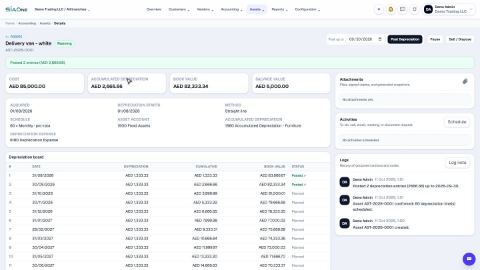
| Assets | Accounting > Assets | The fixed asset register and depreciation. This menu appears only when Asset Management is switched on in Settings. |
| Reports | Accounting > Reports | Balance Sheet, Profit and Loss, ledgers, ageing, Tax Report, Payment Register and more. |
| Configuration | Accounting > Configuration | Journals, Taxes, Payment Methods, Currencies & Rates and Opening Balances. |
Reports are for Accounting Managers and Administrators. They read posted entries only, in your company currency, and export to PDF and Excel.
Tasks in Accounting
Set-up
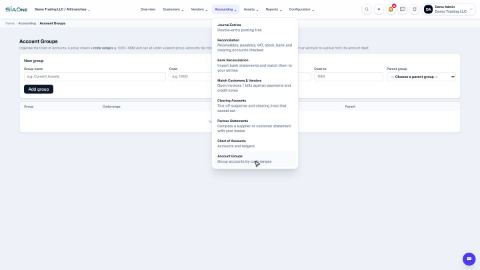
Manage the chart of accounts and account groups
See the list of ledger accounts, add a new account, and see how account groups organise the accounts into the reports.
Set up journals
The sales, purchase, bank, cash and general journals - what each one is for and which accounts it uses.
Set up taxes (VAT rates)
Where the UAE VAT 5% rate is set up, which accounts it posts to, and how to add another tax rate.
Set up payment methods
The methods offered on customer and vendor payments, what each one does, and how to add your own.
Set up currencies and exchange rates
See the currencies you trade in and their rates against the dirham, change a rate, and add another currency.
Enter opening balances
The one-time screen that brings your balances from your old books into SiaOne when you start.
 1:26
1:26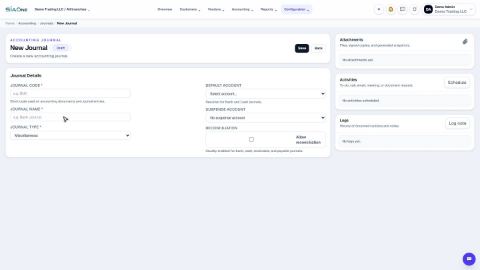 1:02
1:02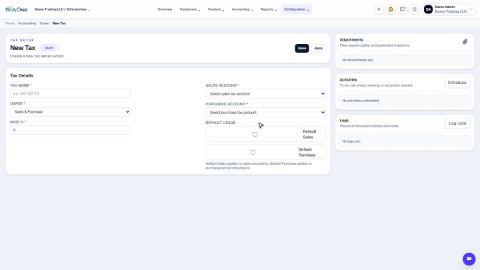 1:14
1:14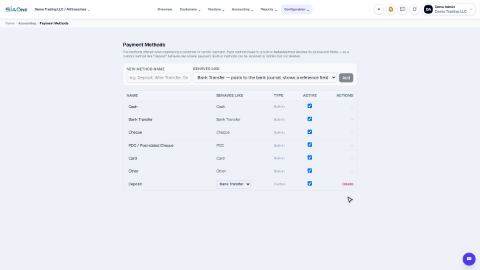 1:10
1:10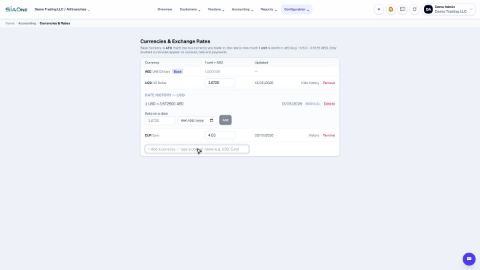 1:14
1:14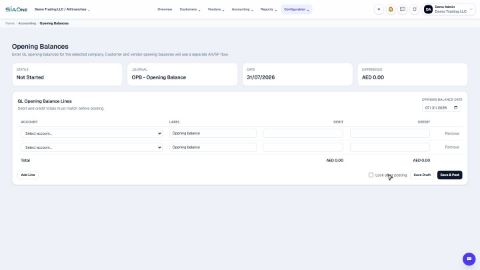 1:13
1:13Customers
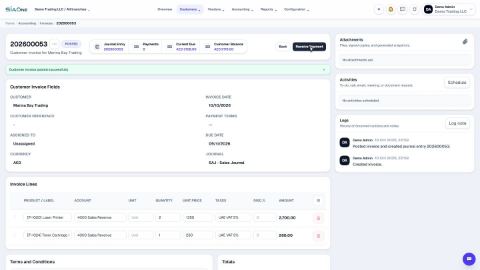
Create a customer invoice
Create a tax invoice for a customer, save it as a draft, then confirm it so it is posted to the accounts.
Record a customer payment
Record money received from a customer by cash, bank transfer, card or cheque, straight from the invoice it pays.
Record a post-dated cheque (PDC)
Record a cheque with a future date, clear it when the bank pays it, and handle a cheque that bounces.
Add billable expenses to a customer invoice
Mark a supplier cost as billable to a customer, then pull it onto that customer's next invoice so you get the money back.
Issue a credit note
Credit a customer for returned goods or a billing mistake, straight from the posted invoice, and refund the money if needed.
Refund a customer
Pay a customer back from the bank or cash, against a posted credit note.
Record an advance payment and allocate it later
Save money a customer paid before the invoice exists, then set it against the invoice when it is ready.
Unallocate a payment
Detach a payment from the wrong invoice, so the invoice is open again and the money is free to use.
Reset a posted invoice to draft
Take a posted invoice back to draft, correct it, and post it again with the same number.
 1:33
1:33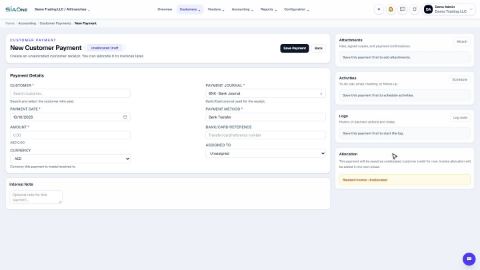 1:33
1:33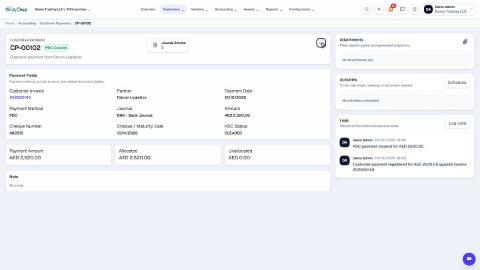 1:45
1:45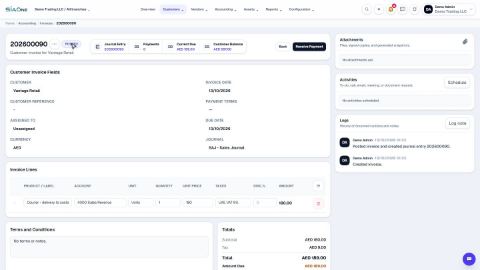 2:28
2:28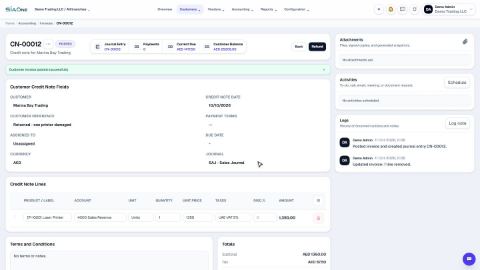 1:25
1:25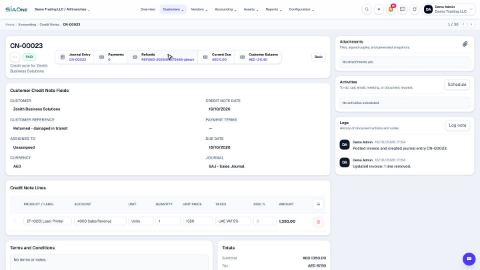 1:00
1:00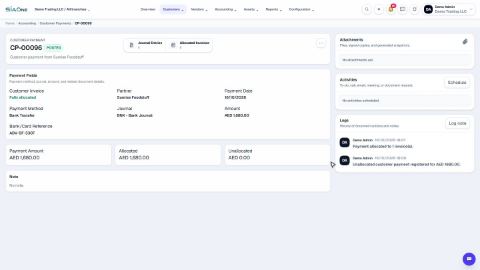 1:43
1:43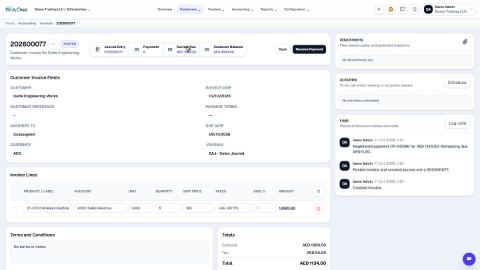 1:14
1:14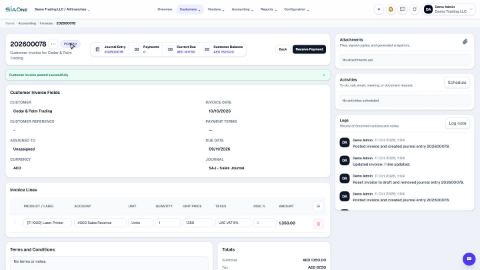 1:22
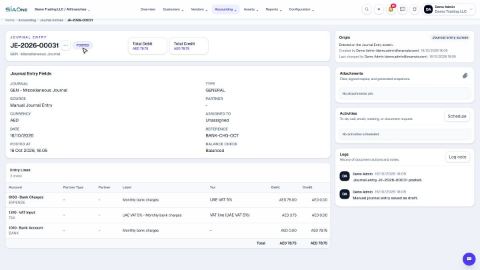
1:22Journals and accounts
 1:38
1:38Vendors
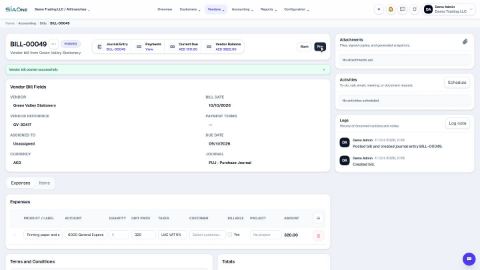
Record a vendor bill
Enter a bill you received from a supplier - for expenses or for products - and confirm it so it is posted.
Pay a vendor bill
Record the money you sent to a vendor, straight from the bill it pays - in full or in part.
Issue a post-dated cheque to a vendor
Pay a vendor bill with a cheque that carries a future date, and mark it cleared when the bank pays it.
Record a cash purchase
Record something you paid for straight away from cash or the bank, when there is no vendor bill to enter.
Issue a debit note
Reduce what you owe a vendor for returned goods or a billing mistake, straight from the posted bill.
 1:57
1:57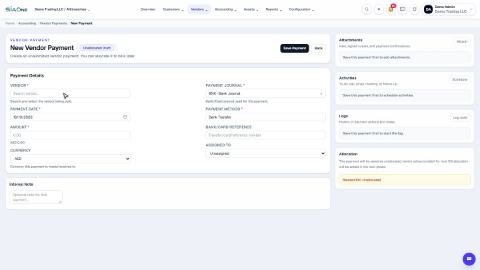 1:30
1:30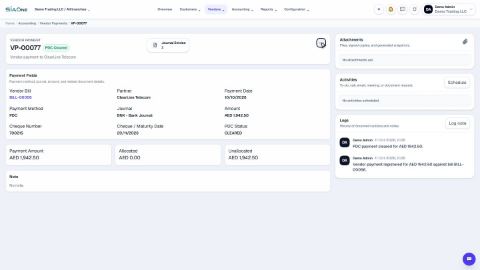 2:04
2:04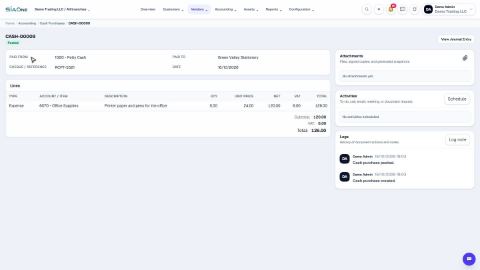 1:10
1:10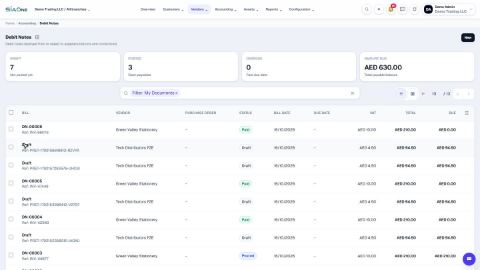 1:13
1:13Assets
 2:18
2:18Coming soon
These lessons are being written and recorded.
- Email many invoices at once
- Upload a bill and let SiaOne read it
- Lock a closed period