
Overview
Accounting Reports turn your posted invoices, bills, payments and journal entries into the statements and lists a manager needs: how the business is doing, who owes you, whom you owe, and what VAT you charged. Every report reads posted entries only, so drafts never change a number.
Pick a report > set the dates > filter > open a line to see the document > export to PDF or Excel
Most reports share the same bar at the top: a date (or a From and To), filters such as Customer, Account or Journal, and the PDF and XLSX buttons. Reports are for managers: you need Accounting - Manager access.
| Feature | Where | What it is |
|---|---|---|
| Statements | Accounting › Reports › Statements | Balance Sheet, Profit and Loss (with comparison to an earlier period), P&L by Job and Cash Flow. |
| Ledgers | Accounting › Reports › Ledgers | Trial Balance and General Ledger: every account, with the entries behind each balance. |
| Partners | Accounting › Reports › Partners | Partner Ledger, Aged Receivable, Open Invoices, Customer Balance Summary, Aged Payable, Unpaid Bills Detail and Supplier Balance Summary. |
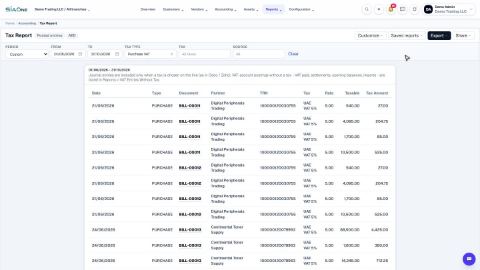
| Tax | Accounting › Reports › Tax | Tax Report: the VAT on every sale and purchase for a period. |
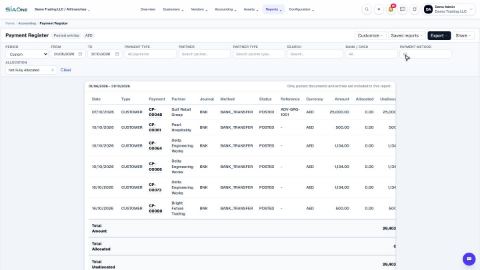
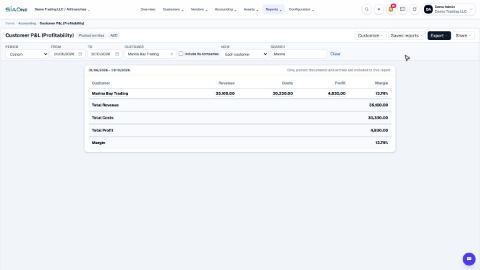
| Management | Accounting › Reports › Management | Payment Register, Customer P&L (Profitability) and Sales by Customer. |
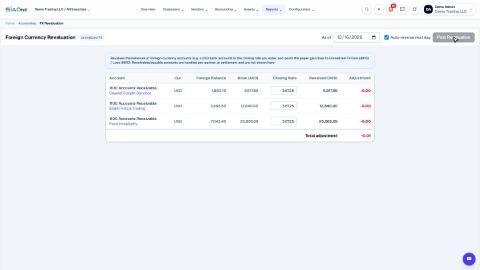
| Currency | Accounting › Reports › Currency | FX Revaluation: values foreign-currency balances at the closing rate. |
Tasks in Accounting Reports
Financial statements
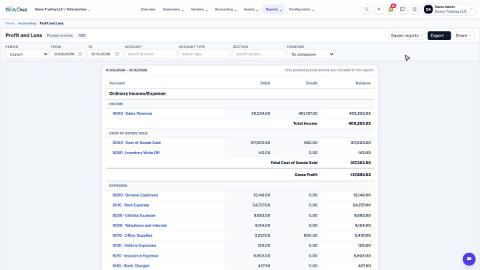
Run a Profit and Loss report
See your income, cost of goods sold, expenses and net profit for any period, and compare it with the year so far or the same dates last year.
Run a Balance Sheet
See what the company owns, what it owes and what is left for the owners on any date, and compare it with last month.
Run the Cash Flow report
See where your cash came from and where it went in a period, split into operating, investing and financing activity.
Run a Profit and Loss by Job
See income, cost of goods sold and net profit side by side for each customer or job, and compare only the ones you choose.
 1:26
1:26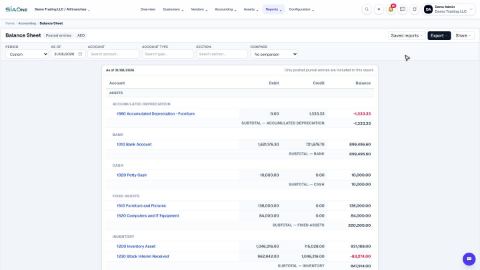 1:16
1:16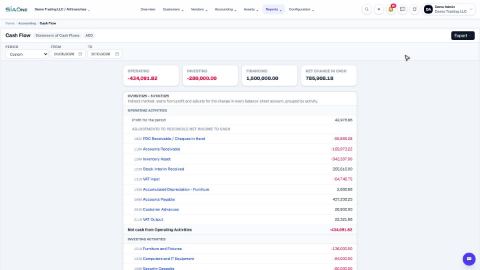 1:19
1:19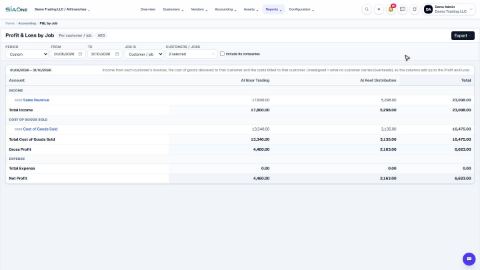 1:26
1:26Ledgers
Check the books with the Trial Balance and General Ledger
Use the Trial Balance to see every account's balance and check that debits equal credits, then open the General Ledger to see the entries behind any account.
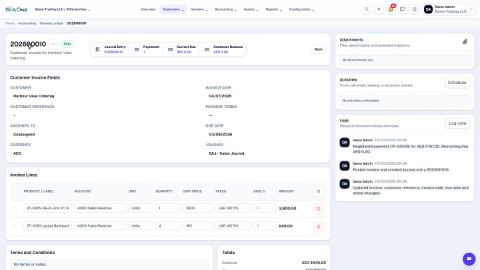
See everything for one customer or vendor (Partner Ledger)
List every invoice, bill, payment and credit note for a customer or vendor in date order, with a running balance.
 1:35
1:35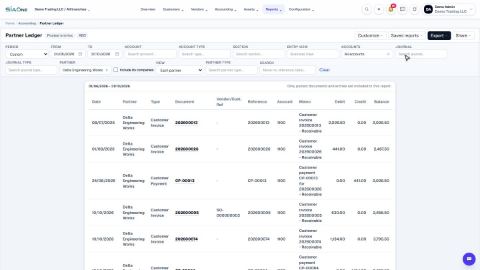 1:50
1:50Receivables and payables
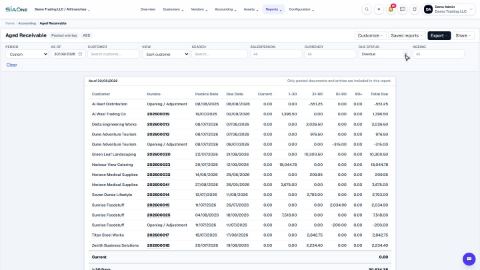
See who owes you money (Aged Receivable)
Use the Aged Receivable report to see every unpaid customer invoice by how overdue it is, then filter it, open an invoice and export the report.
See what you owe vendors (Aged Payable)
Use the Aged Payable report to see every unpaid vendor bill by how overdue it is, then filter it, open a bill and export the report.
List open invoices and unpaid bills
See every unpaid customer invoice grouped by customer, and every unpaid vendor bill grouped by vendor, with the days overdue.
See customer and supplier balances at a glance
One line per customer or vendor showing what was charged, what was settled and what is still due.
 1:38
1:38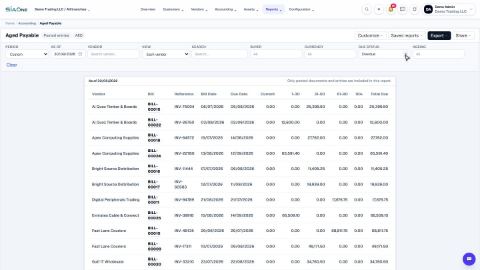 1:31
1:31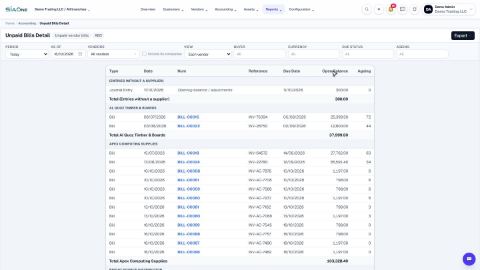 1:39
1:39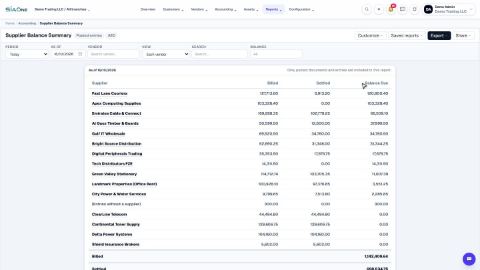 1:31
1:31Tax
 1:57
1:57Payments
 2:02
2:02Management
 1:24
1:24Month end
Understand FX Revaluation at period end
See what foreign-currency balances are worth at a closing rate, what gain or loss that creates, and when to post it.
Close the month: the reports to run, in order
The reports to run at the end of every month, in the order that catches problems early, with what to look for in each.
 1:07
1:07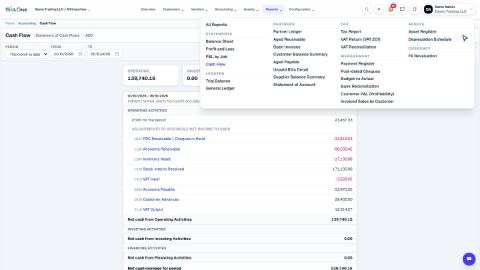 2:41
2:41Coming soon
These lessons are being written and recorded.
- Send a customer their Statement of Account
- Prepare the UAE VAT Return (VAT 201)
- Post-dated Cheques report