
Find customers who stopped buying
The Inactive Customers report lists customers whose last invoice is old, or who were never invoiced - the people to call.
Where to find it
SalesReportingInactive Customers
Steps
- Open Sales > Reporting > Inactive Customers. The note above the table says what is listed: customers whose last posted invoice is older than the number of days in No invoice for (90 days to start with), counted from the As Of date, plus customers who were never invoiced.
- Each row gives the customer's Phone and Email, the Last Invoice Date and the invoice number, how many Days Since that invoice, the number of Invoices, and the Lifetime Sales (Net). Scroll the table sideways to see the Balance Due and the Salesperson.
- Open No invoice for and choose 30+ Days to also see customers who last bought about a month ago. The other choices are 60+ Days, 180+ Days, 1+ Year and Never Invoiced.
- Click an invoice number to open the customer's last invoice.
Tip
Use Salesperson to give each person their own list of customers to call, and Customer to look at one customer. As Of and Period let you ask the same question for an earlier date, for example the end of last month.
Note
Sales are net, in your company currency, less credit notes.
What happens next
Send the customer a new offer: create a quotation.
Was this lesson helpful?
Thank you for the feedback.
Keep learning
Create a quotation
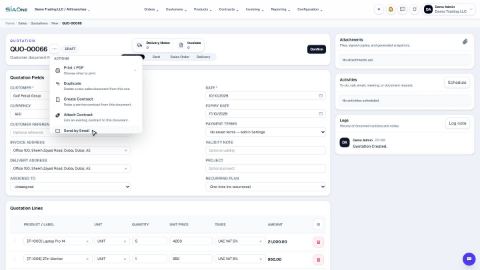
Prepare a quotation for a customer, add products and prices, then print it or send it by email.
Sell by the piece or by the box
When a product has more than one unit, choose the unit on each quotation line - SiaOne fills in the right price and keeps the stock in the product's own unit.
Print a quotation, proforma or order
Make a PDF of a quotation, a proforma or a sales order to send to the customer or keep on file.
 1:26
1:26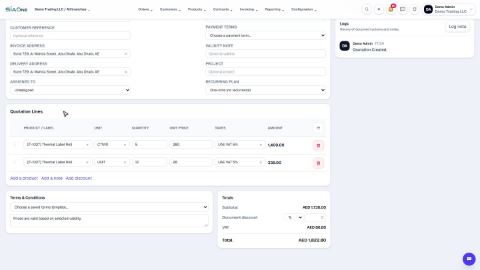 2:12
2:12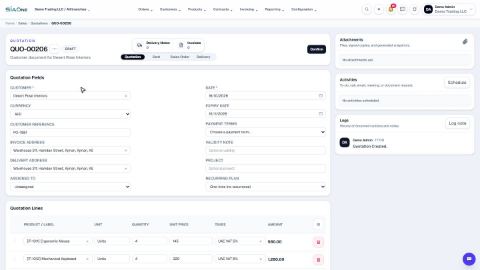 1:40
1:40