
Enter opening balances
The one-time screen that brings your balances from your old books into SiaOne when you start.
Where to find it
AccountingConfigurationOpening Balances
Before you start
Do this once, when you start using SiaOne. You need the closing trial balance from your old system for the day before you start - one debit or credit per account. Check the figures carefully before you post.
Steps
- Open Accounting > Configuration > Opening Balances. The cards show the Status (for example Not Started), the Journal the entry goes to (OPB - Opening Balance), the Date, and the Difference between debits and credits.
- Set the Opening Balance Date - the day before your first transaction in SiaOne.
- Add one line for each account. Choose the Account, keep or change the Label, and type the amount under Debit or Credit. Click Add Line for more. The total debit and the total credit must match, so the Difference is zero.
- Click Save Draft to keep your work and come back later. Click Save & Post when the figures are final: the entry is posted to the OPB journal.
- Tick Lock after posting before you post, to lock the opening entry so nobody changes it by mistake.
Important
This screen is for the general ledger accounts. Customer and vendor balances will be brought in separately, so that each one can be paid and followed in the ageing reports.
What happens next
When the opening entry is posted, check it in Reports > Trial Balance. Then start recording your day-to-day work, beginning with a customer invoice.
Was this lesson helpful?
Thank you for the feedback.
Keep learning
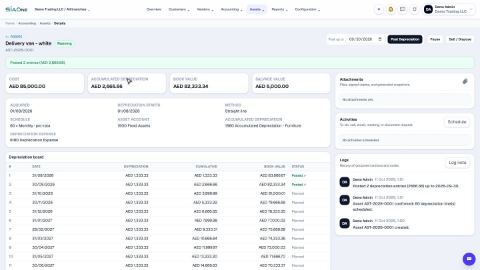
Register a fixed asset and run depreciation
Add an asset such as a vehicle, see its depreciation board, confirm it, and post the depreciation each month.
Reconcile a bank statement
Import the statement from your bank, let SiaOne match each line to a payment, and post the bank charges your books do not have yet.
Record a manual journal entry
Post your own debit and credit lines for something no invoice, bill or payment covers - such as a bank charge with VAT, or a correction.
 2:18
2:18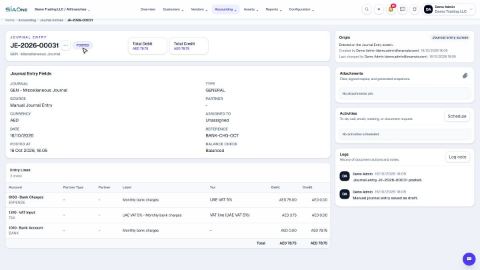 1:47
1:47