
Record a cash purchase
Record something you paid for straight away from cash or the bank, when there is no vendor bill to enter.
Where to find it
AccountingVendorsCash Purchases
Before you start
Use a cash purchase when you pay at the moment you buy - a shop receipt, a taxi, a small repair. If the vendor sends you a bill to pay later, record a vendor bill instead.
Steps
- Open Accounting > Vendors > Cash Purchases and click New.
- Choose Paid From - the cash or bank account the money came out of, for example 1020 - Petty Cash.
- In Paid To (Payee), choose a vendor or type any name. Type the receipt or cheque number in Cheque / Reference No.. The Date starts as today.
- Fill the first line: choose the expense Account, add a Description, then type the Qty, the Unit Price and choose the Tax (UAE VAT 5% if the receipt shows VAT). Subtotal, VAT and Total update as you type. Click Add Line for more lines.
- Click Save & Post. The cash purchase gets a number (CASH-00008, for example) and the status Posted. Paid From shows the account you chose, and the money is taken from it at once.
Tip
Save Draft keeps the purchase without posting it, so you can finish it later. Click Post when it is ready.
Note
Tick Billable on a line and choose a customer to pass the cost on to that customer. Use View Journal Entry at the top of a posted purchase to see the accounts it changed.
What happens next
The expense appears in your Profit and Loss and the cash or bank balance goes down. There is nothing to pay later, so the purchase never shows in what you owe vendors.
Was this lesson helpful?
Thank you for the feedback.
Keep learning
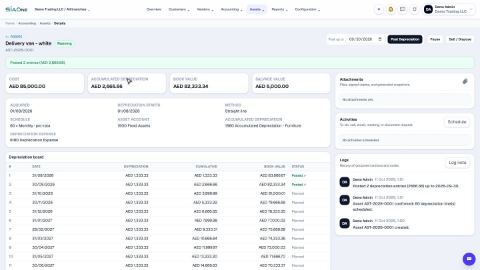
Register a fixed asset and run depreciation
Add an asset such as a vehicle, see its depreciation board, confirm it, and post the depreciation each month.
Reconcile a bank statement
Import the statement from your bank, let SiaOne match each line to a payment, and post the bank charges your books do not have yet.
Record a manual journal entry
Post your own debit and credit lines for something no invoice, bill or payment covers - such as a bank charge with VAT, or a correction.
 2:18
2:18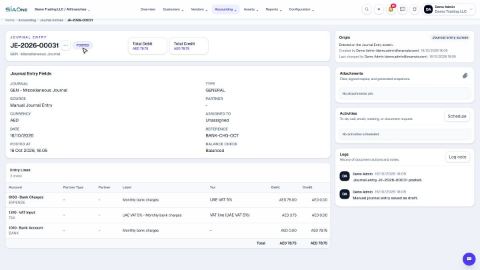 1:47
1:47