
Set up payment methods
The methods offered on customer and vendor payments, what each one does, and how to add your own.
Where to find it
AccountingConfigurationPayment Methods
Before you start
Payment methods appear in the Payment Method list when you receive or make a payment. SiaOne has six built-in methods, and a custom one called Deposit. A method is a name that behaves like one of the built-in ones, and that decides which journal and fields it uses.
Steps
- Open Accounting > Configuration > Payment Methods. The list shows each method's Name, what it Behaves Like, its Type (Built-in or Custom) and whether it is Active.
- Behaves Like is the important column. A method that behaves like Bank Transfer posts to the bank journal and asks for a reference. One that behaves like PDC asks for a cheque number and a cheque date, and stays pending until the cheque clears.
- To add your own, type a New Method Name (for example Wire Transfer) and choose what it Behaves Like.
- Click Add. The method is available at once on every payment.
- Untick Active to hide a method without deleting it. Custom methods also have a Delete link - a box asks you to confirm, then click Delete. Built-in methods can be renamed or hidden, but not deleted.
Tip
Give the method the name your team and customers use - "Wire Transfer" or "Online Payment" - and choose the built-in behaviour that matches how the money really moves.
What happens next
Use the method when you record a customer payment or pay a vendor bill.
Was this lesson helpful?
Thank you for the feedback.
Keep learning
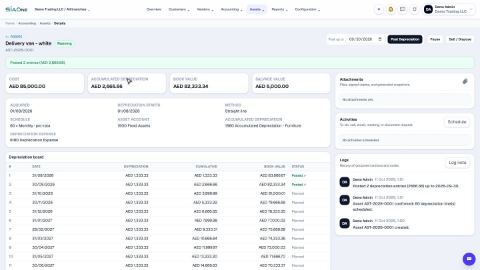
Register a fixed asset and run depreciation
Add an asset such as a vehicle, see its depreciation board, confirm it, and post the depreciation each month.
Reconcile a bank statement
Import the statement from your bank, let SiaOne match each line to a payment, and post the bank charges your books do not have yet.
Record a manual journal entry
Post your own debit and credit lines for something no invoice, bill or payment covers - such as a bank charge with VAT, or a correction.
 2:18
2:18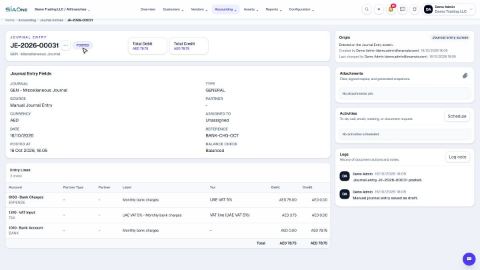 1:47
1:47