
Understand FX Revaluation at period end
See what foreign-currency balances are worth at a closing rate, what gain or loss that creates, and when to post it.
Where to find it
AccountingReportsFX Revaluation
Before you start
This is a period-end task for companies that hold balances in a foreign currency, such as a USD bank account or USD invoices. Your accountant decides the closing rate and when to post.
Steps
- Open Accounting > Reports and choose FX Revaluation under Currency. It is in the menu with the other reports.
- Read the blue note at the top. It explains that the screen revalues foreign-currency balances at the closing rate you enter, and posts the paper gain or loss to the Unrealized FX Gain and Loss accounts.
- Each row is a foreign-currency balance. Foreign Balance is the amount in that currency, and Book (AED) is what the books currently hold in AED.
- Closing Rate is the rate at the end of the period. You can type another rate in the box. Revalued (AED) is the foreign balance at that rate.
- Adjustment is the difference between the revalued amount and the book amount: the gain or loss. Total adjustment adds them up.
- As of sets the date of the revaluation. Tick Auto-reverse next day to have the entry reversed on the first day of the next period.
- Post Revaluation creates the journal entry. The button stays grey while there is nothing to adjust. Click it only when your rates are final.
Important
Posting books a journal entry in your accounts. Check the As of date and every Closing Rate first. If you post by mistake, ask your accountant to reverse the entry.
What happens next
After posting, check the effect in the Trial Balance and in the Profit and Loss report.
Was this lesson helpful?
Thank you for the feedback.
Keep learning
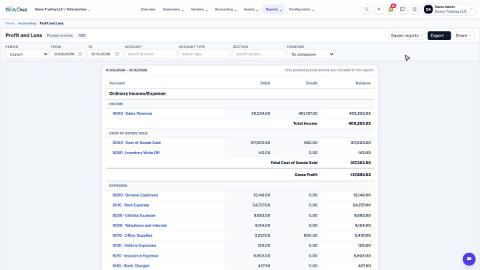
Run a Profit and Loss report
See your income, cost of goods sold, expenses and net profit for any period, compare it with last year or month by month, and open the entries behind any figure.
Run a Balance Sheet
See what the company owns, what it owes and what is left for the owners on any date, and compare it with last month or month by month.
Run the Cash Flow report
See where your cash came from and where it went in a period, split into operating, investing and financing activity.
 2:01
2:01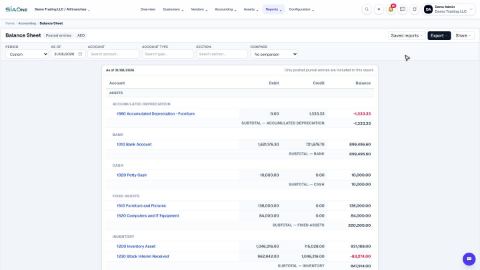 1:57
1:57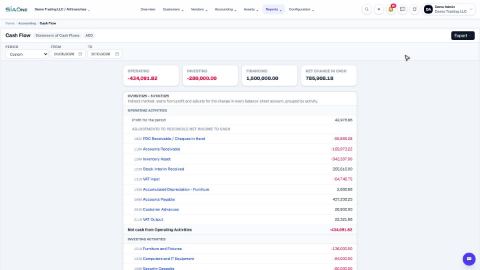 1:33
1:33