
List open invoices and unpaid bills
See every unpaid customer invoice grouped by customer, and every unpaid vendor bill grouped by vendor, with the days overdue.
Where to find it
AccountingReportsOpen Invoices
Steps
- Open Accounting > Reports and choose Open Invoices under Partners.
- Unpaid invoices are grouped by customer, with a Total line for each customer. For every invoice you see the Type (an invoice, or a credit note that reduces the balance), the Date, the Num, the Reference, the payment Terms, the Due Date, the Open Balance and the Ageing. Ageing is the number of days past the due date.
- To see what was open on an earlier day, pick End of last month in Period, or type an As of date and press Tab.
- Open the Customers box and tick one or more customers to narrow the list. Click outside the box to close it. Salesperson, Currency, Due Status and Ageing narrow it further.
- Click an invoice number to open the invoice, then click Back. To export the list, click Export and choose PDF, Excel or CSV.
- For vendors, choose Unpaid Bills Detail under Partners in the same menu. It has the same layout for your unpaid bills, grouped by vendor, with a Vendors box to pick vendors.
Note
Both reports only count posted documents. For the amounts split into age columns, use Aged Receivable or Aged Payable.
What happens next
To see one balance per customer or per vendor, use Customer and Supplier Balance Summary.
Was this lesson helpful?
Thank you for the feedback.
Keep learning
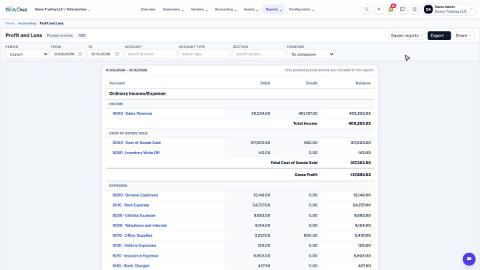
Run a Profit and Loss report
See your income, cost of goods sold, expenses and net profit for any period, compare it with last year or month by month, and open the entries behind any figure.
Run a Balance Sheet
See what the company owns, what it owes and what is left for the owners on any date, and compare it with last month or month by month.
Run the Cash Flow report
See where your cash came from and where it went in a period, split into operating, investing and financing activity.
 2:01
2:01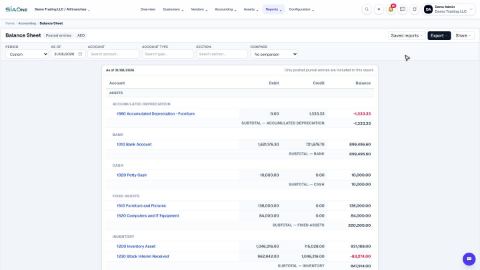 1:57
1:57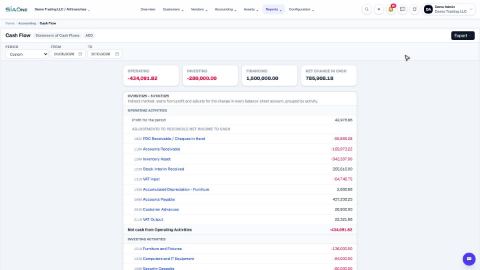 1:33
1:33