
See which customers make you money
List every customer with revenue, costs, profit and margin for a period.
Where to find it
AccountingReportsCustomer P&L (Profitability)
Steps
- Open Accounting > Reports and choose Customer P&L (Profitability) under Management.
- Type the From and To dates and press Tab after each, or pick a ready-made Period.
- Each customer has one line with Revenue, Costs, Profit and Margin. Costs is what the customer cost you: the cost of the goods you delivered to them, vendor bills and cash purchases tagged to them. Profit is revenue minus costs, and Margin is profit as a percentage of revenue. Scroll down to see all customers.
- Type a name in Search to look at one customer. You can also pick a Customer in the box beside it. Clear the box to see everyone again.
- Click an amount to see what is behind it. Click the Revenue to see the invoices and credit notes, or the other columns to see the customer's Profit and Loss by Job. Click a customer's name to open the customer. Click Back to return.
- Click Export and choose PDF, Excel or CSV.
Note
Overhead that is not linked to any customer, such as rent, is not shared out between customers, so the figures do not add up to the company Profit and Loss.
Tip
To see income, cost of goods sold and net profit side by side for chosen customers, use P&L by Job. For sales totals only, use Invoiced Sales by Customer under Management.
What happens next
To see what each customer still owes, run Customer Balance Summary.
Was this lesson helpful?
Thank you for the feedback.
Keep learning
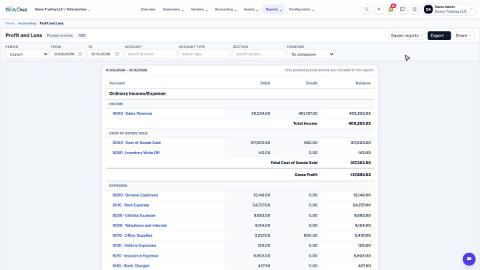
Run a Profit and Loss report
See your income, cost of goods sold, expenses and net profit for any period, compare it with last year or month by month, and open the entries behind any figure.
Run a Balance Sheet
See what the company owns, what it owes and what is left for the owners on any date, and compare it with last month or month by month.
Run the Cash Flow report
See where your cash came from and where it went in a period, split into operating, investing and financing activity.
 2:01
2:01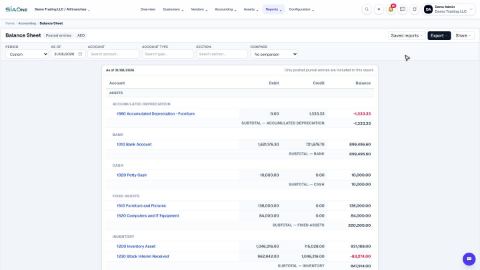 1:57
1:57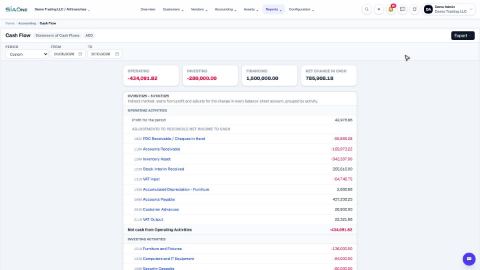 1:33
1:33