
Check receivables, payables, VAT and stock with the Reconciliation page
Compare the ledger with your open invoices and bills, your VAT, your stock and your bank, see where the figures differ, and match payments to invoices.
Where to find it
AccountingAccountingReconciliation
Before you start
Post every invoice, bill and payment of the period first. The page compares posted entries only.
Steps
- Open Accounting and choose Reconciliation. The Overview tab shows one card for each control check.
- Receivables compares the Ledger balance of your receivable accounts with your Documents (open): open invoices, less open credit notes and unallocated receipts. Difference is what is not explained by a document. It is usually journal entries on a receivable account with no invoice behind them, such as opening balances, imports or manual entries.
- Payables does the same for open bills, debit notes and unallocated payments.
- VAT compares the VAT on your documents (the same figures as the Tax Report) with the movement on the VAT accounts. Pick a Period first. A Difference of a few fils is rounding. A bigger one usually means VAT posted without a tax - see VAT Reconciliation.
- Stock compares the stock value of your products with the stock account in the books (Stock vs Ledger has the detail). Bank & cash lists each bank journal with its ledger balance, the last statement and the unmatched lines. Clearing & suspense accounts lists accounts that should end at zero but still have an open balance.
- Open the Customers & Vendors tab to fix receivables and payables. Pick a customer on the left: the system suggests matches, such as a receipt and the invoice it paid. Tick a suggestion and click Match, or match by hand by picking a credit and an invoice.
Note
The page only shows the differences. Matching a receipt to an invoice changes your books, so check each suggestion before you click Match. The recording stops before clicking it.
Tip
Use the Partner Statements tab to compare a vendor's statement with your books: see Compare a supplier statement with your books.
What happens next
Fix the differences that matter, then continue the month-end reports.
Was this lesson helpful?
Thank you for the feedback.
Keep learning
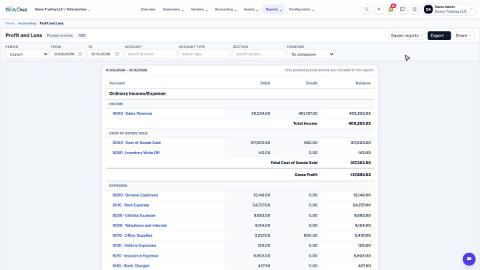
Run a Profit and Loss report
See your income, cost of goods sold, expenses and net profit for any period, compare it with last year or month by month, and open the entries behind any figure.
Run a Balance Sheet
See what the company owns, what it owes and what is left for the owners on any date, and compare it with last month or month by month.
Run the Cash Flow report
See where your cash came from and where it went in a period, split into operating, investing and financing activity.
 2:01
2:01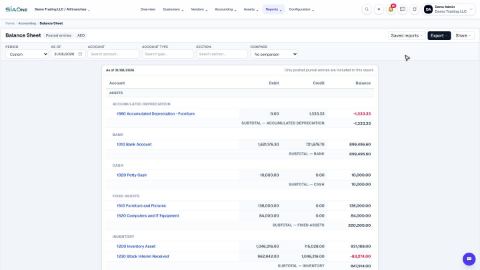 1:57
1:57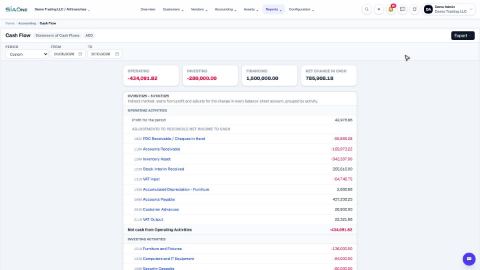 1:33
1:33