
Find lots that have expired or are about to expire (Expiring Lots)
List the lots that have an expiry date, how many days are left, the stock on hand and its value, so you sell or write off the oldest first.
Where to find it
InventoryReportsExpiring Lots
Before you start
Only lots with an Expiry Date are listed. See Lots, serial numbers and expiry dates.
Steps
- Open Inventory, go to Reports and choose Expiring Lots.
- The report shows the stock as of today (change Period or As of to look at another day). Expiry starts on Expired or Within 90 Days. If no lot is that close, the list is empty.
- Open Expiry and choose All Lots With Expiry to list every lot that has an expiry date.
- Each line shows the product and SKU, the Lot / Serial, the Expiry Date, the Days to Expiry (negative once it has expired), the Status (Expired, Expires Today or Expiring), the quantity On Hand, the Unit and the Value at average cost. At the bottom, Expired Value and Expiring Value add up the money at risk.
- Choose Expired or Within 30 Days (or 60 or 180) to see what needs selling first. The list is empty when no lot is that close. Stock can include Zero Stock lots. Product, Product Category, Brand and Location narrow the list.
- Click Export and choose PDF, Excel or CSV.
Note
The quantities come from completed stock moves up to the As of date.
What happens next
Move old stock out: scrap what is damaged or expired.
Was this lesson helpful?
Thank you for the feedback.
Keep learning
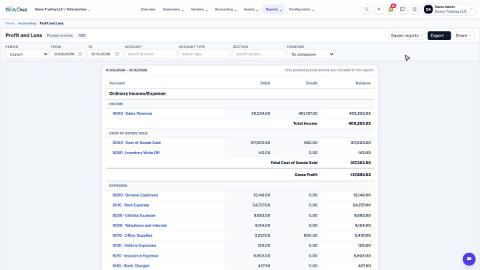
Run a Profit and Loss report
See your income, cost of goods sold, expenses and net profit for any period, compare it with last year or month by month, and open the entries behind any figure.
Run a Balance Sheet
See what the company owns, what it owes and what is left for the owners on any date, and compare it with last month or month by month.
Run the Cash Flow report
See where your cash came from and where it went in a period, split into operating, investing and financing activity.
 2:01
2:01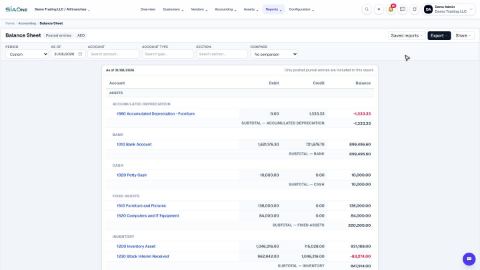 1:57
1:57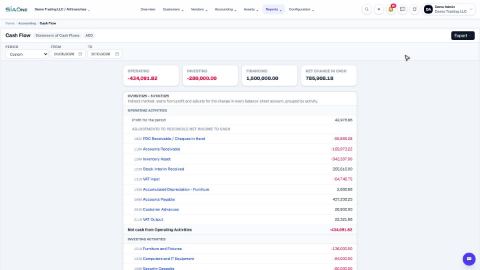 1:33
1:33