
Send a customer their Statement of Account
Create a statement for one customer - every invoice, credit note and payment with a running balance and ageing - and email it as a PDF or export it.
Where to find it
AccountingReportsStatement of Account
Before you start
- The customer should have an email address on their record if you want to email the statement. See Add a customer.
- Email must be set up under Settings. See Set up email.
Steps
- Open Accounting > Reports and choose Statement of Account under Partners.
- In Customer, type a few letters of the name and pick the customer. (Choose Vendor in Statement of first if you want a statement of what you owe a vendor.)
- Type the From and To dates of the statement and press Tab after each.
- Read it. The first line is the Opening Balance before your From date. Then every invoice, credit note and payment follows, with its Due Date, the amount in Charges or Credits, and the running Balance. At the bottom you see the Opening Balance, Charges, Credits and Closing Balance, and the closing balance split by age: Current, 1 - 30 Days, 31 - 60 Days, 61 - 90 Days and Over 90 Days.
- Click Share, then Email now. Type the customer's address in To, check the Subject, add a short Message and choose the File (PDF, Excel or CSV). Click Send.
- To send it another way, click Export and choose PDF to open a printable copy, or Excel to download a spreadsheet, and attach it to your own message.
Note
Email sending is switched off on the test system used for the video, so the recording stops before Send. On your own system, the email goes out from the address you set up in Settings. If Send stays grey, check that To has a valid address.
Tip
Click a document number to open the invoice, credit note or payment behind a line. To send the same statement every month, use Share > Schedule email - see Email a report or schedule it.
What happens next
When the customer pays, record the payment and the next statement shows it.
Was this lesson helpful?
Thank you for the feedback.
Keep learning
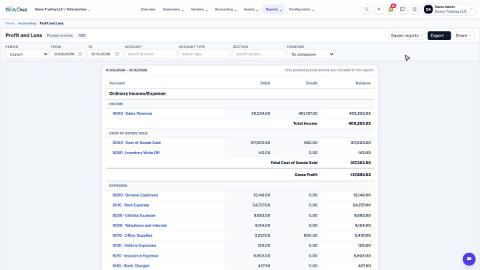
Run a Profit and Loss report
See your income, cost of goods sold, expenses and net profit for any period, compare it with last year or month by month, and open the entries behind any figure.
Run a Balance Sheet
See what the company owns, what it owes and what is left for the owners on any date, and compare it with last month or month by month.
Run the Cash Flow report
See where your cash came from and where it went in a period, split into operating, investing and financing activity.
 2:01
2:01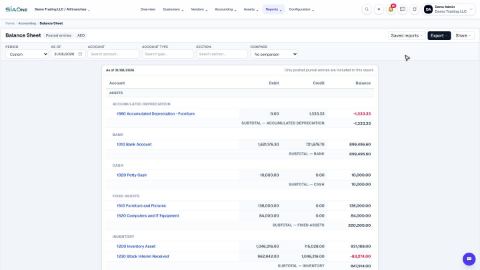 1:57
1:57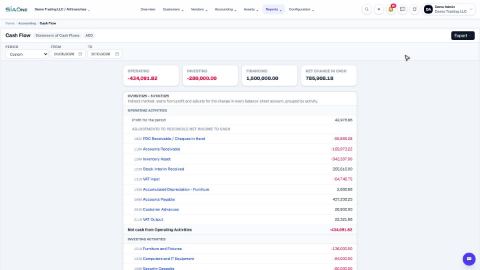 1:33
1:33